Note:
This keyboard does not include Bluetooth adapter. If your device does not have Bluetooth, you will need to purchase an additional Bluetooth adapter.
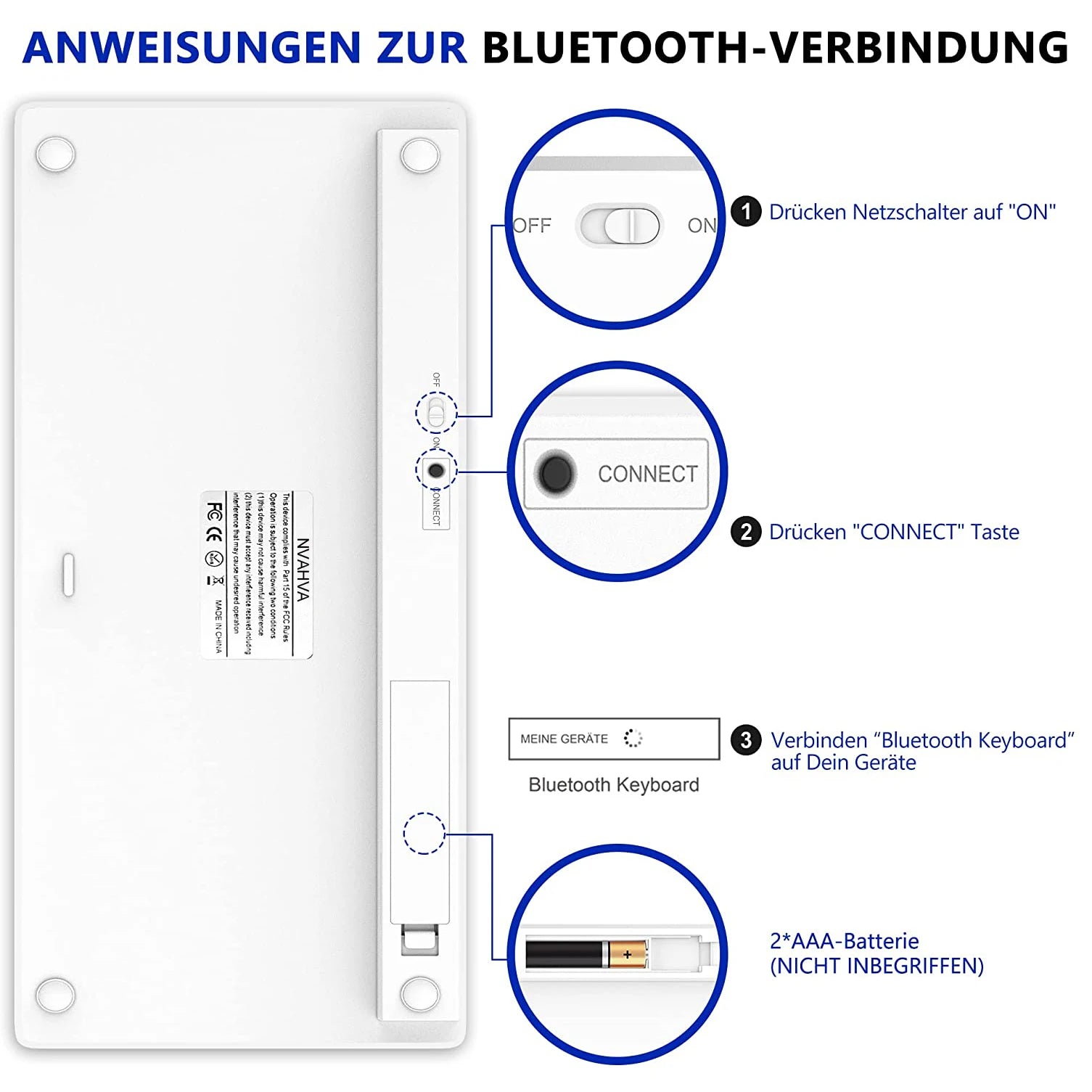
The keyboard will automatically go into power savings mode after 10 minutes of inactivity. Press any key and wait 2-3 seconds to wake the keyboard.
There is no Escape key for Macbook
The auto-correct feature on iPads is disabled when keyboard is in use.
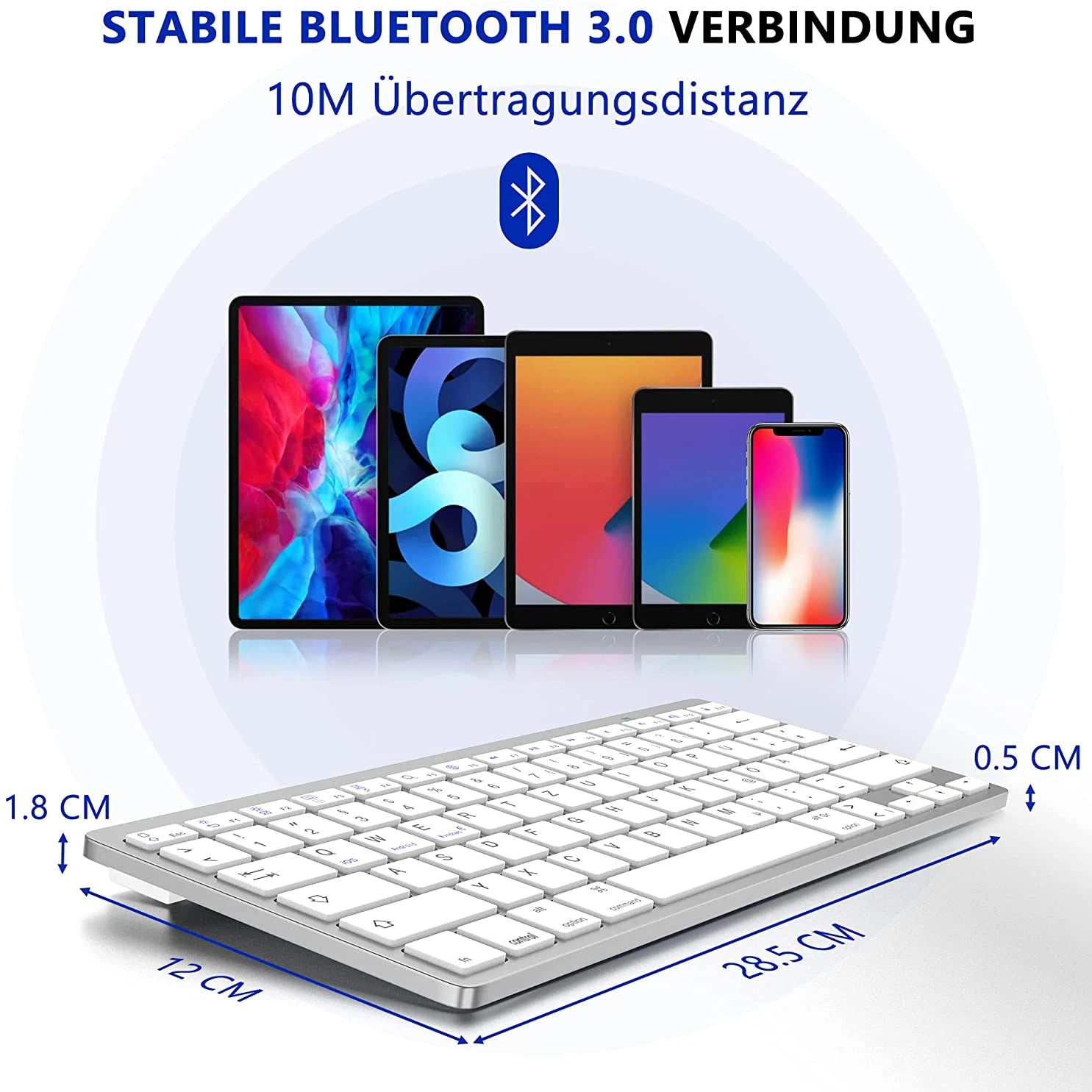
Work for Bluetooth 3.0 and above devices including
iPad / iPhone / iPod Touch
Bluetooth-enabled PCs or Laptops with Windows XP / Vista / 7 / 8
Smartphones or tablets with Android 3.0 and above
Windows Mobile 5.0 and above
Not compatible MAC MINI or Moto RAZR.
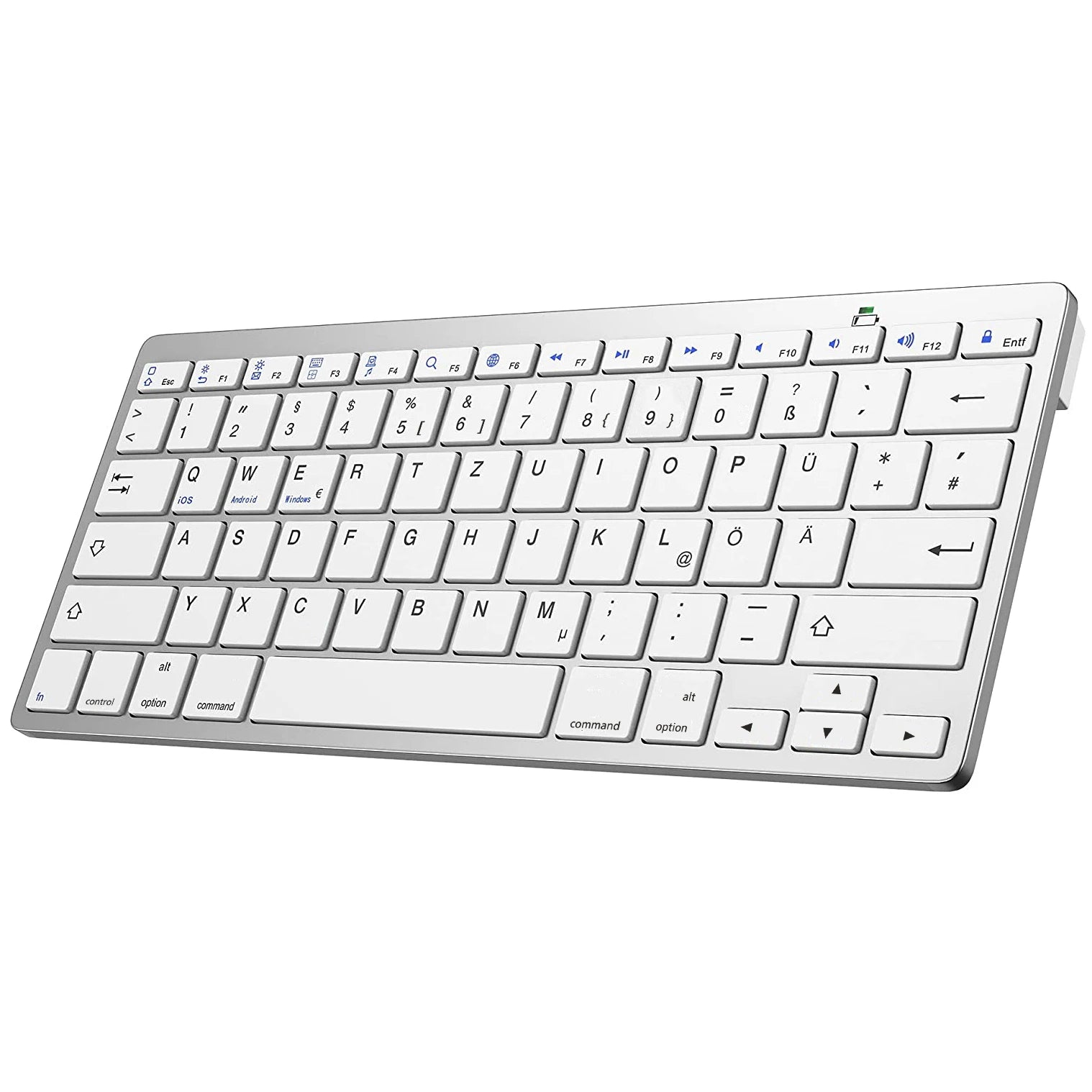
UNIVERSAL COMPAYIBILITY : The bluetooth keyboard works with iOS, Android, Mac os(Some multimedia function buttons are not compatible)and Windows, with shortcut keys for all four systems. Apple iPad Air, iPad 4 / 3 / 2, iPad Mini 4, iPhone 7Plus/7/6S/6, Galaxy Tab ,Galaxy Note, Surface & More (Incompatible with Nook Tablets)
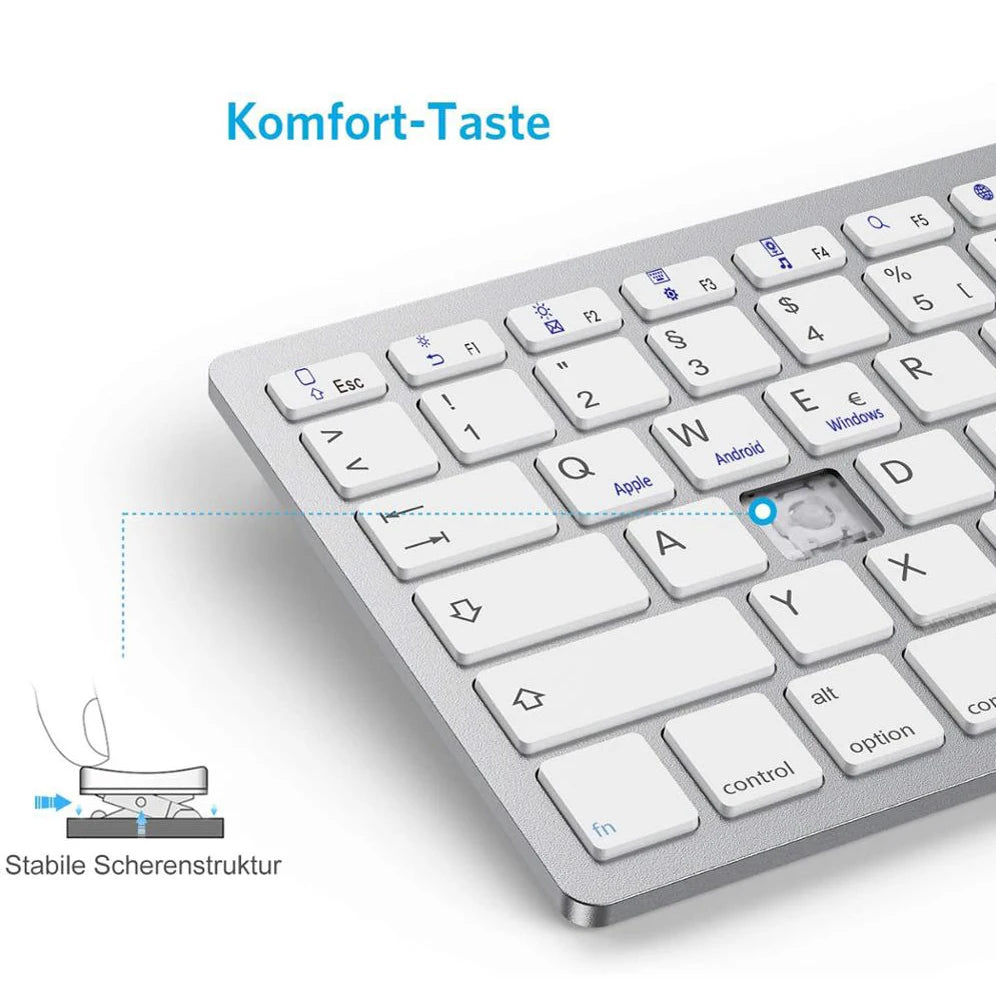
COMFORTABLE KEYS : Scissor-Switch bluetooth keyboard provides you with very comfortable and pleasing typing experience.
STABLE BLUETOOTH CONNECTION: Fast typing response, no delay in transmission and no loss of characters.
WORK FOR LONGER WITH LONG BATTERY LIFE : 700-hour continuous-use battery life and automatic sleep mode allow up to half a year between battery changes. Requires 2 AAA batteries(Not included)
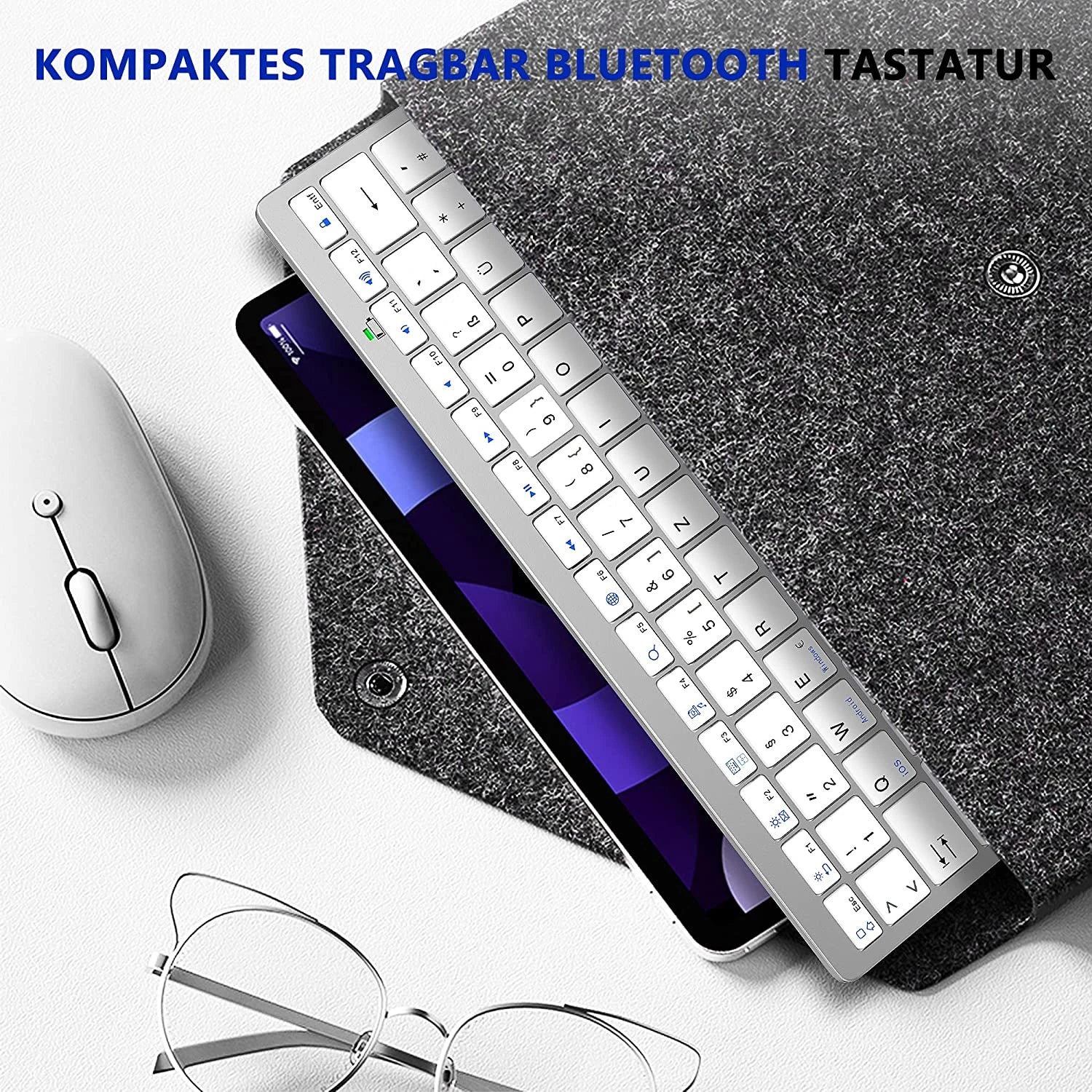
COMPACT TRABAGAR BLUETOOTH KEYBOARD: Slim, Lightweight, Compact, can be easily stored in backpack, bag or suitcase and easy to carry. Perfect for travel and mobile office.
CABLE-FREE: Bluetooth 3.0 technology provides a cable-free & clutter-free connection,operating distance 10 m.
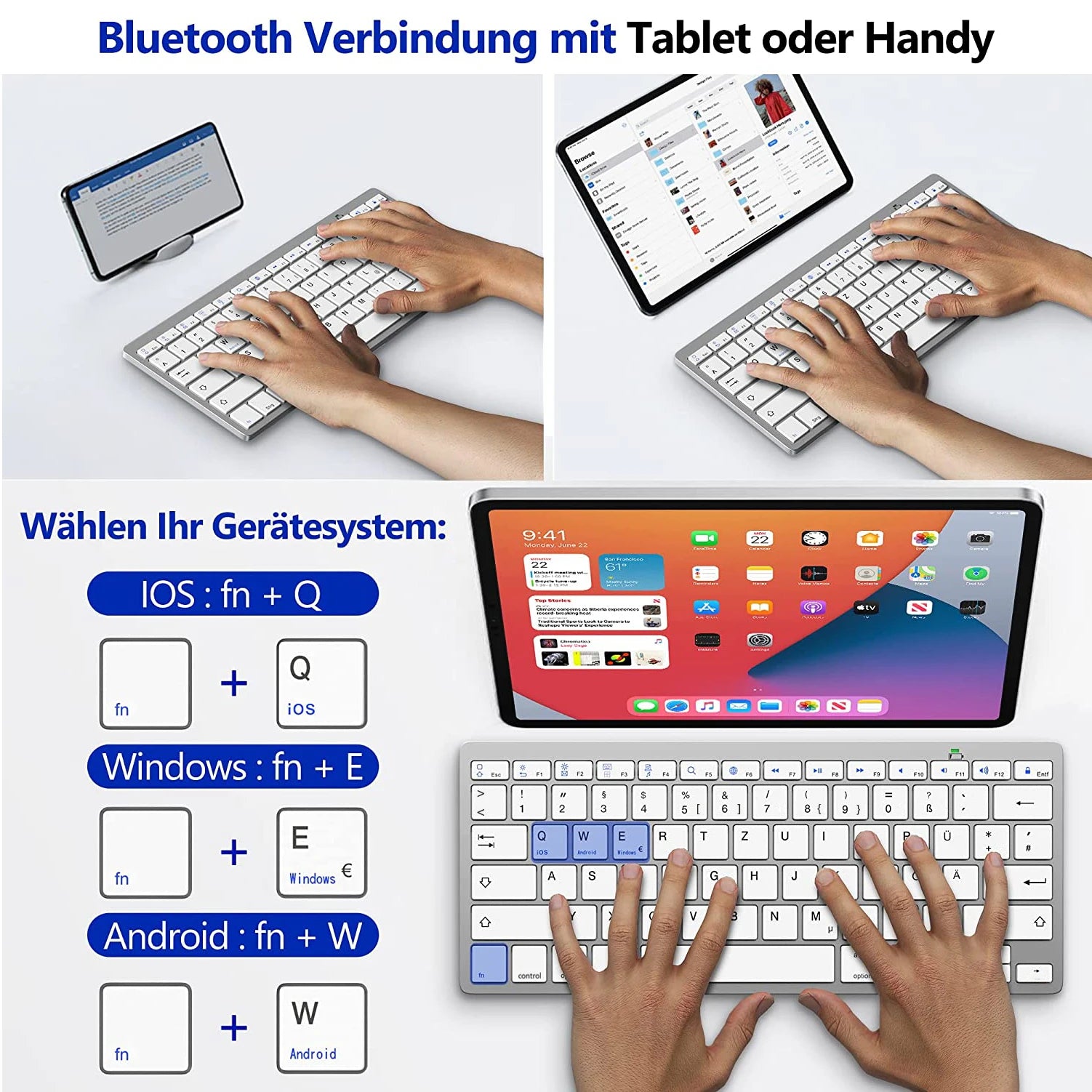
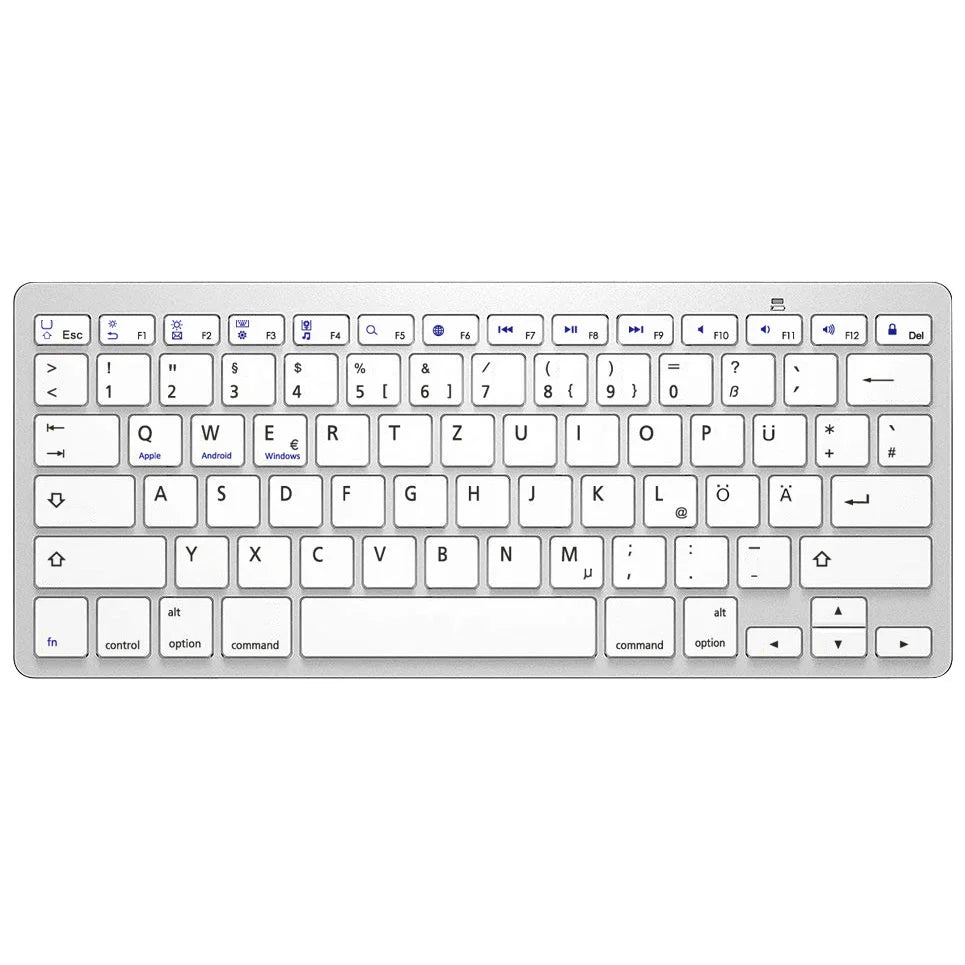
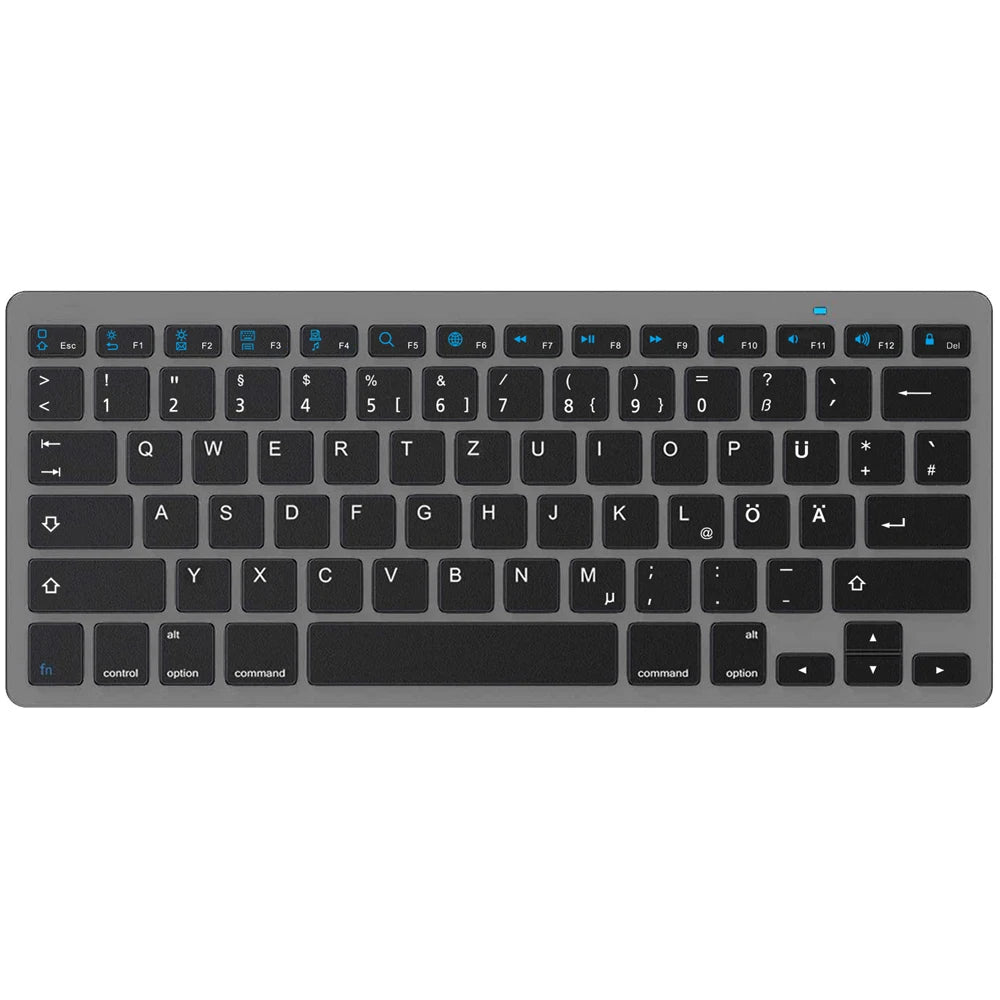
WIDE COMPATIBILITY: Compatible with IOS/Android/Windows device. Press "fn" and "Q" on iOS device, Press "fn" and "W" on Andoid device, Press "fn" and "E" on Andoid device.
Product operating instructions and special character output
Type correct icon:
1. "Settings"→"Bluetooth"→"Bluetooth Keyboard", connect "Bluetooth Keyboard" on devices.
2.on IOS devices "Settings"→"General"→"Keyboard"→"Keyboards"→"Add new keyboard ..."→"German (Germany)"
on ANDROID/WINDOWS devices "Settings"→"System"→"Languages and Inputs"→"KEYBOARD (Physical Keyboard)"→"Physical Keyboard (PHYSICAL KEYBOARD)"→"Select Keyboard Layout (SET UP KEYBOARD LOYOUTS)"→"German Android Keyboard"→"Select Keyboard Layout (German Android Keyboard)"
3.Press "fn" and "Q" on keyboard (to IOS).
Press "fn" and "W" on keyboard (to ANDROID devices)
Press "fn" and "E" on keyboard (to WINDOWS devices)
4.press "F6" key on keyboard to switch German (Germany) to devices
Type Z Ü Ö Ä Y successfully on keyboard
Type "{ } [ ] ~ \"":
Press "alt Gr Option" and corresponding key on keyboard
Type €:
Press "alt Gr option" and "E" on keyboard
Type μ:
Press "alt Gr Option" and "M" on keyboard
Type @:
to IOS devices: press "alt Gr Option" and "L" on keyboard
to ANDROID/WINDOWS devices: press "alt Gr Option" and "Q" on keyboard