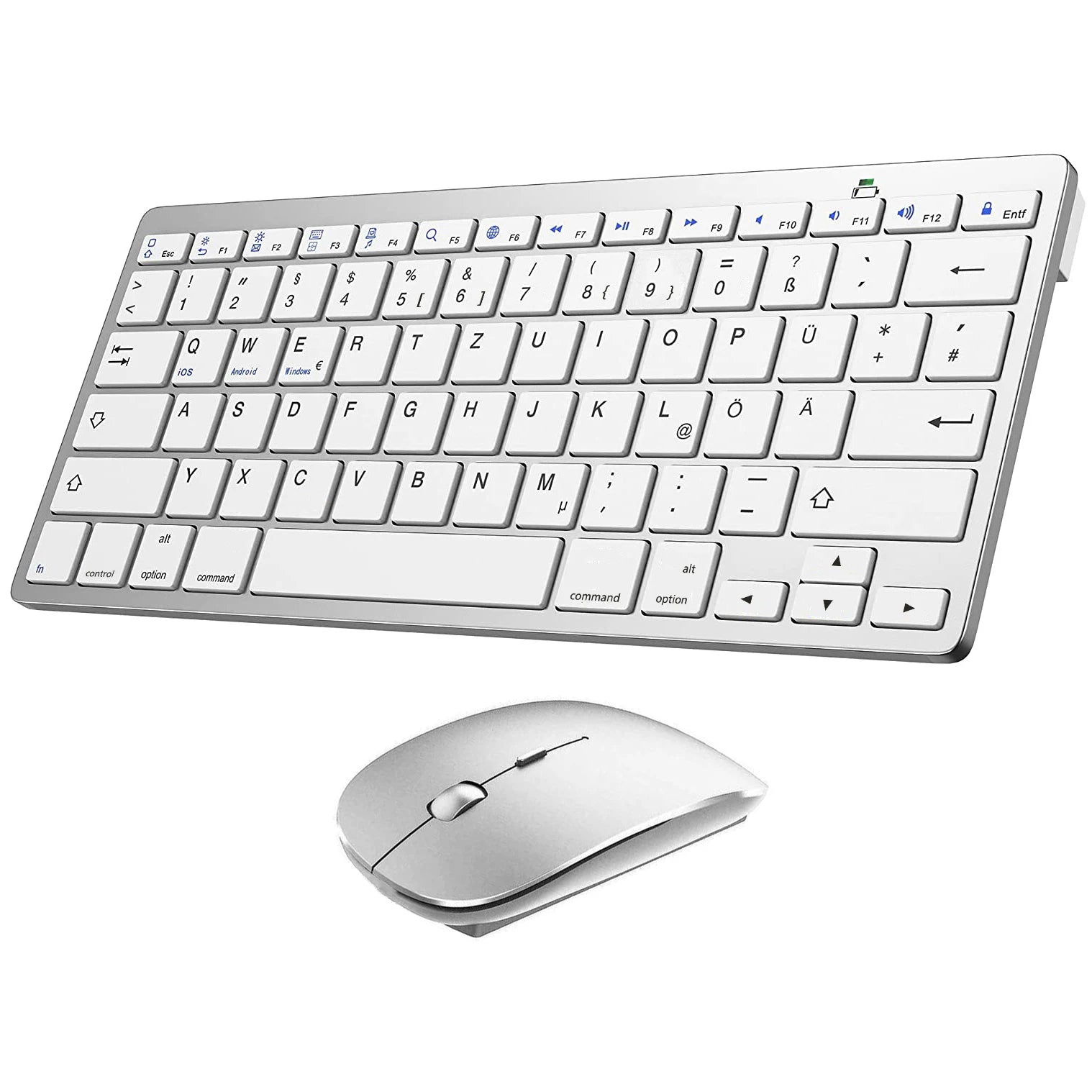
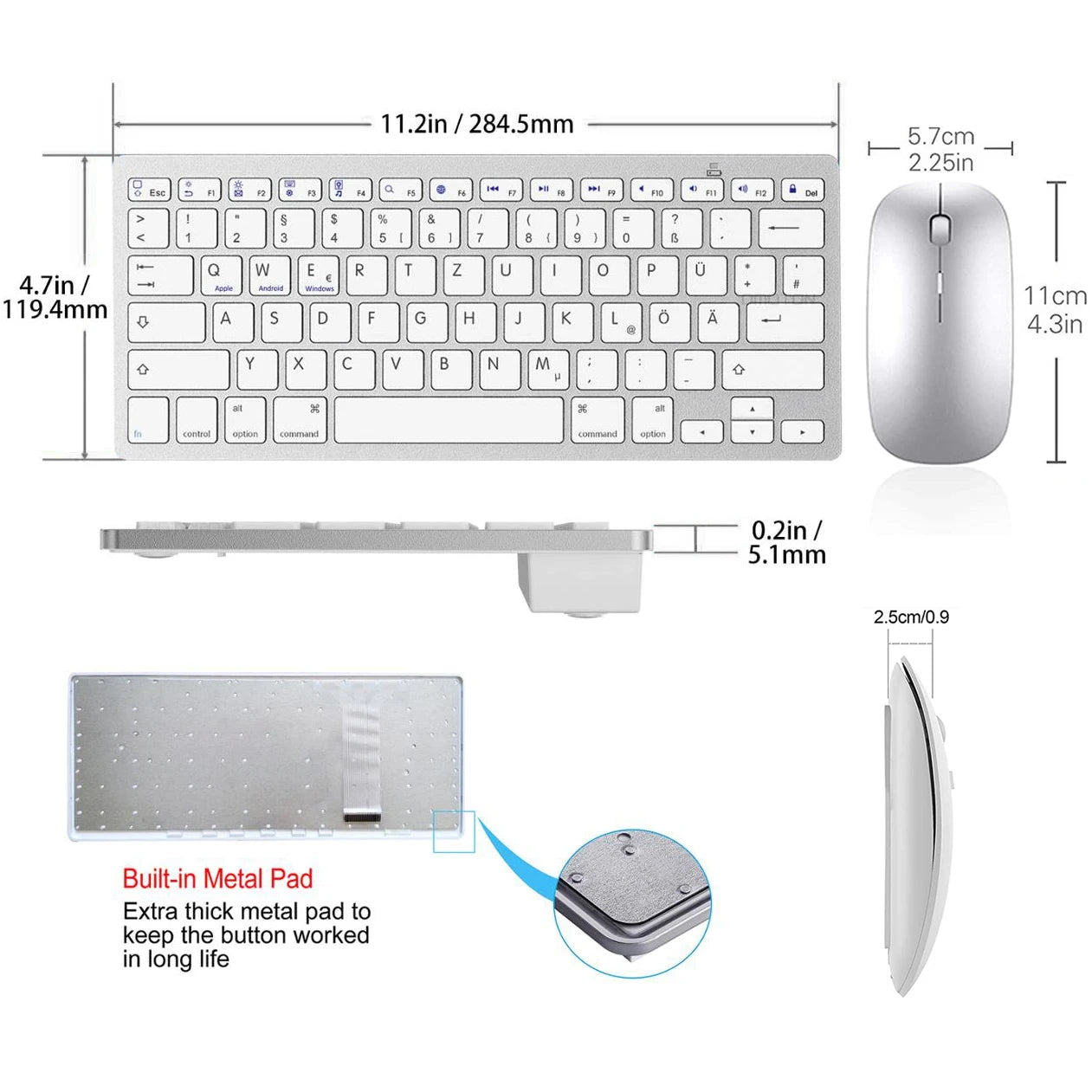
Keyboard operating instructions and special character output
Type correct icon:
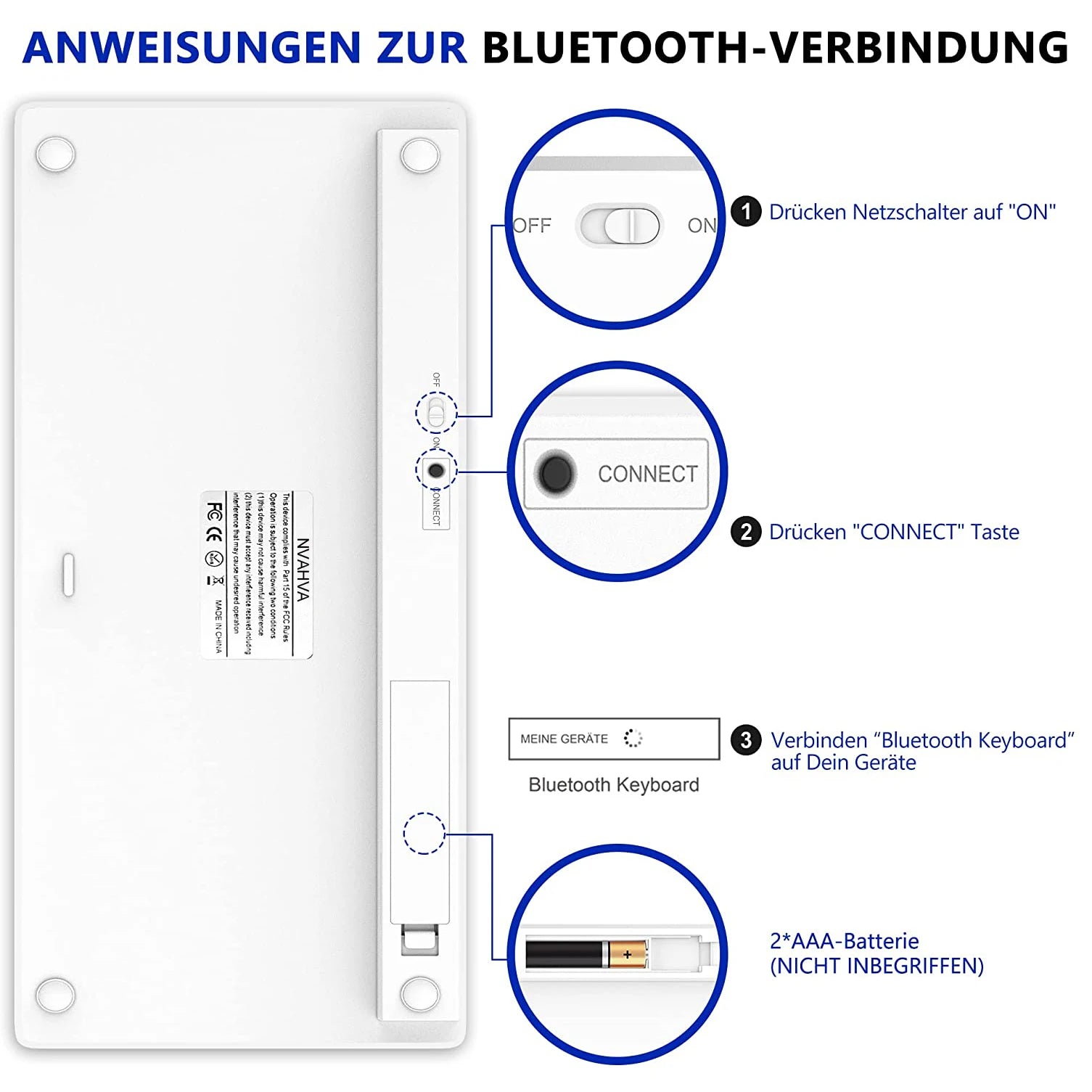
1. "Settings"→"Bluetooth"→"Bluetooth Keyboard", connect "Bluetooth Keyboard" on devices.
2.on IOS devices "Settings"→"General"→"Keyboard"→"Keyboards"→"Add new keyboard ..."→"German (Germany)"
on ANDROID/WINDOWS devices "Settings"→"System"→"Languages and Inputs"→"KEYBOARD (Physical Keyboard)"→"Physical Keyboard (PHYSICAL KEYBOARD)"→"Select Keyboard Layout (SET UP KEYBOARD LOYOUTS)"→"German Android Keyboard"→"Select Keyboard Layout (German Android Keyboard)"
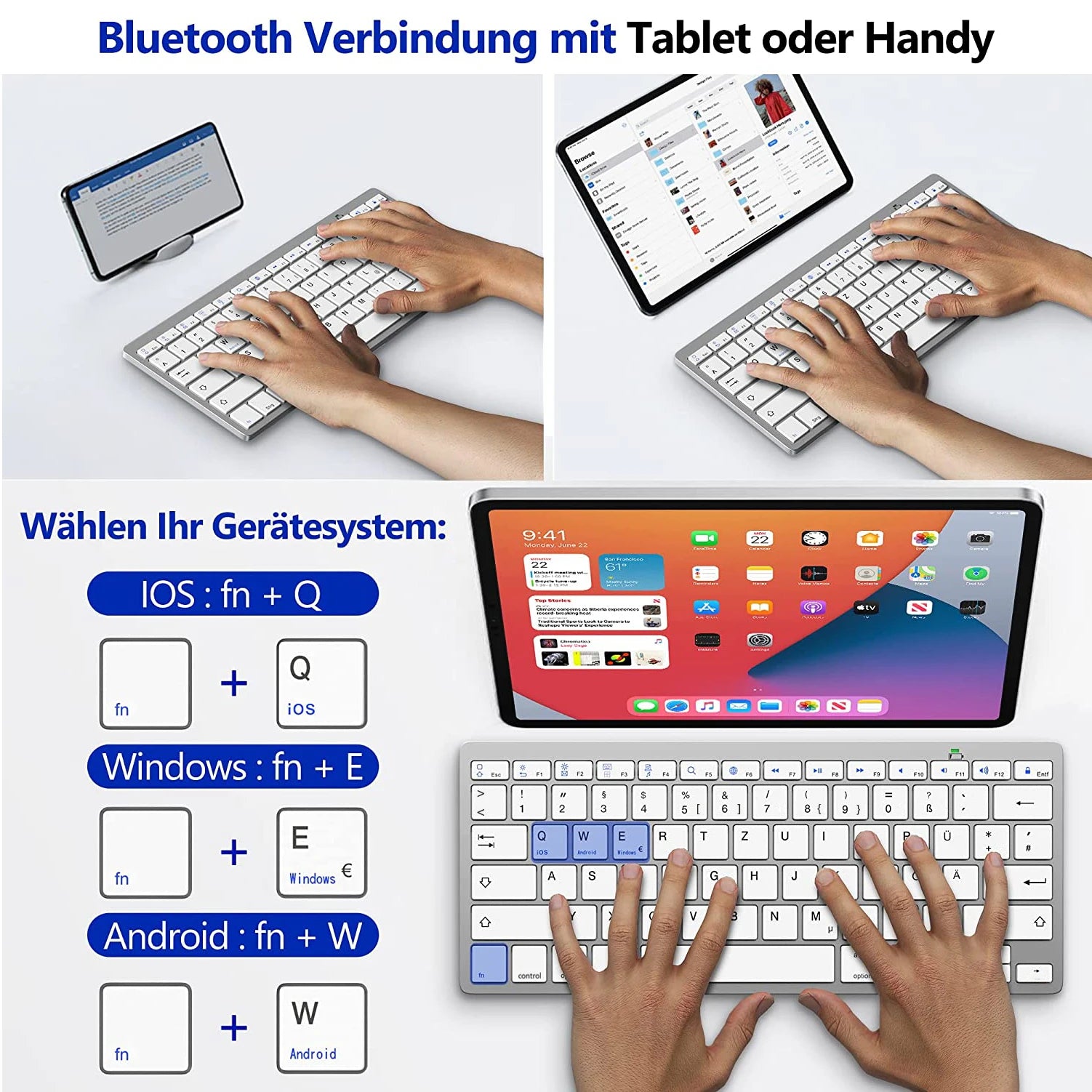
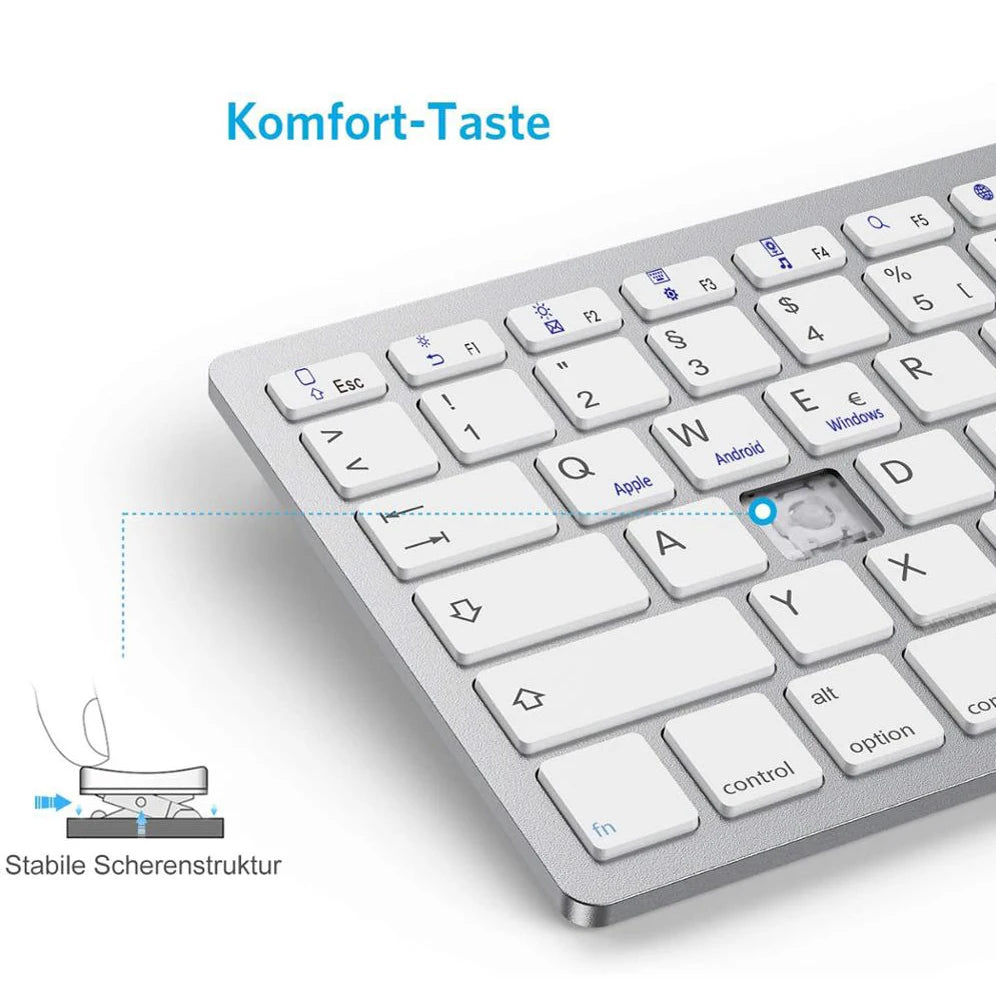
3.Press "fn" and "Q" on keyboard (to IOS).
Press "fn" and "W" on keyboard (to ANDROID devices)
Press "fn" and "E" on keyboard (to WINDOWS devices)
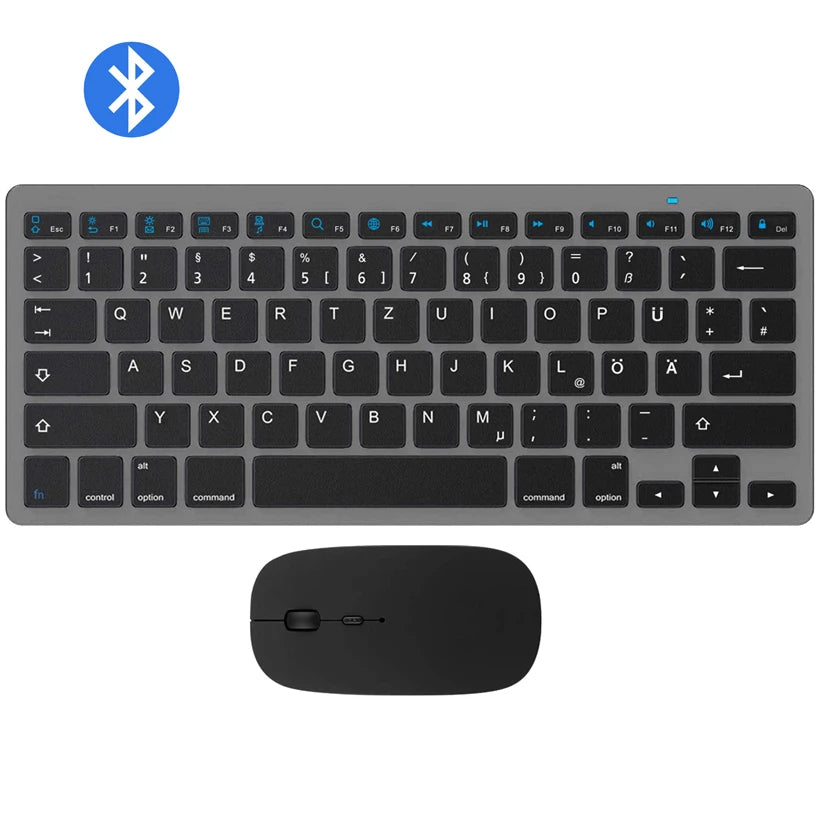
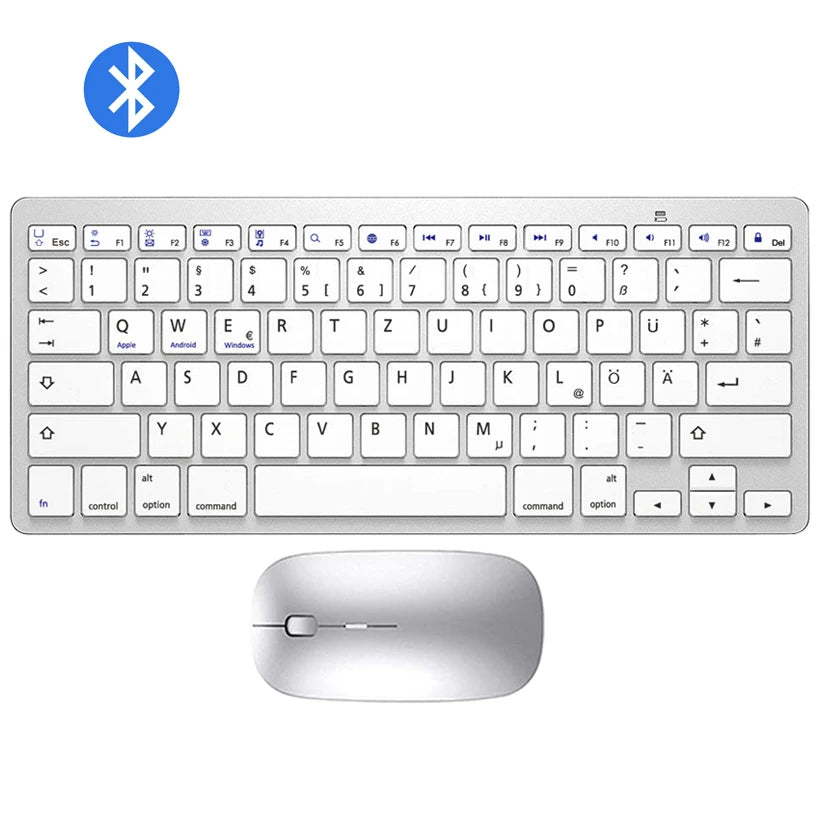
4.press "F6" key on keyboard to switch German (Germany) to devices
Type Z Ü Ö Ä Y successfully on keyboard
Type "{ } [ ] ~ \"":
Press "alt Gr Option" and corresponding key on keyboard
Type €:
Press "alt Gr option" and "E" on keyboard
Type μ:
Press "alt Gr Option" and "M" on keyboard
Type @:
to IOS devices: press "alt Gr Option" and "L" on keyboard
to ANDROID/WINDOWS devices: press "alt Gr Option" and "Q" on keyboard
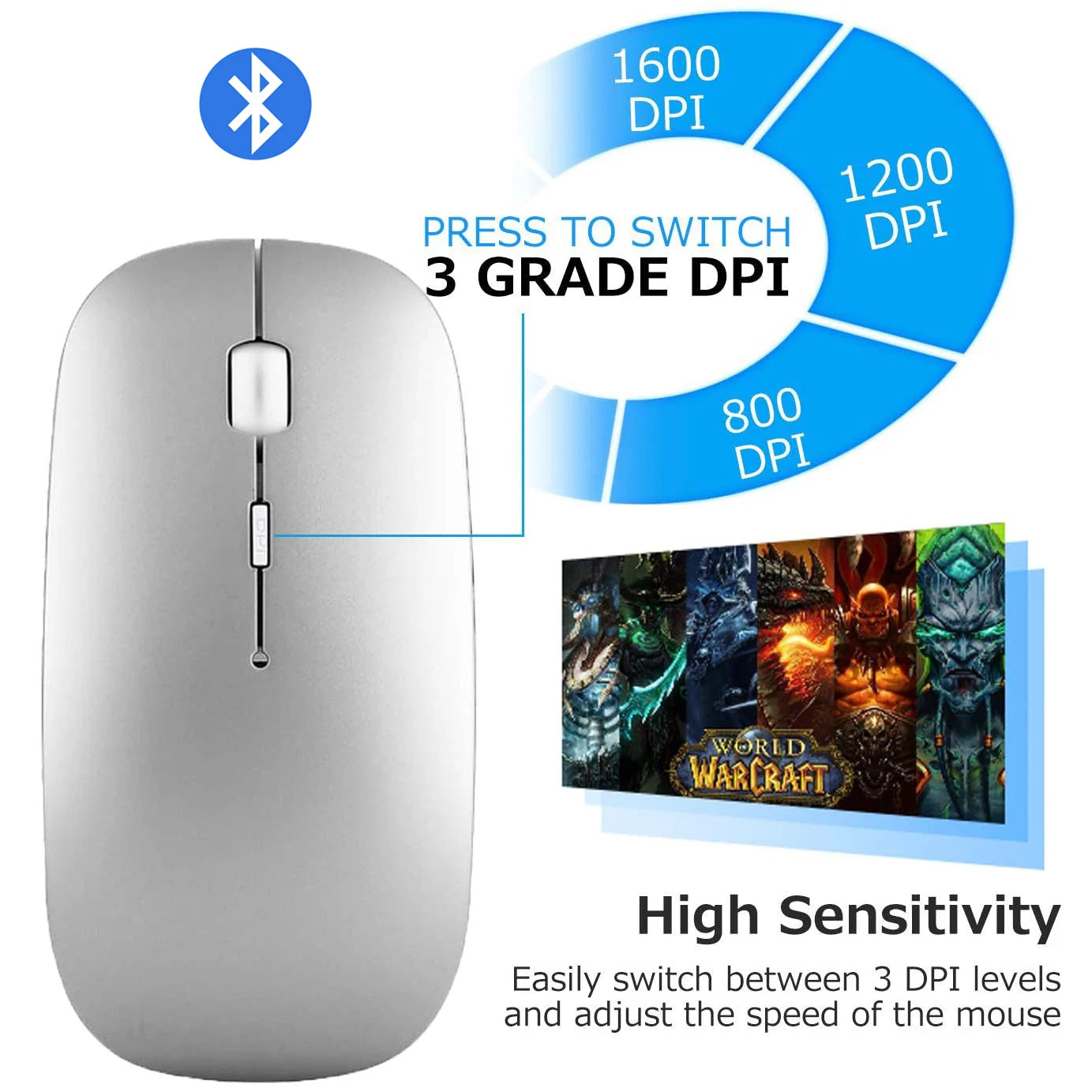
Mouse operating instructions
1. Open battery cover
2. Load battery , switch on
3. Blue light is flashing and the mouse is in the "to be paired" state
4. Open the device Bluetooth search to connect