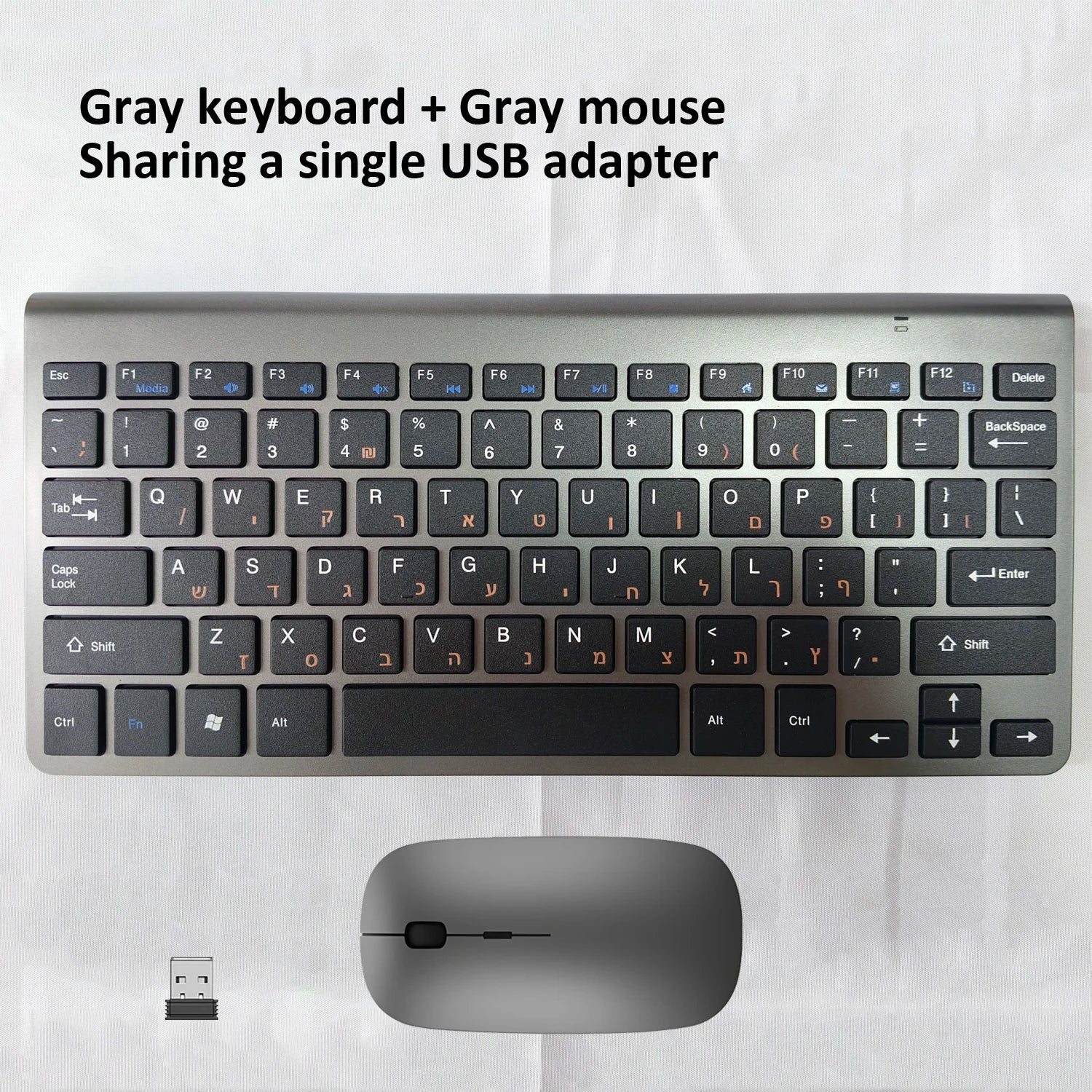
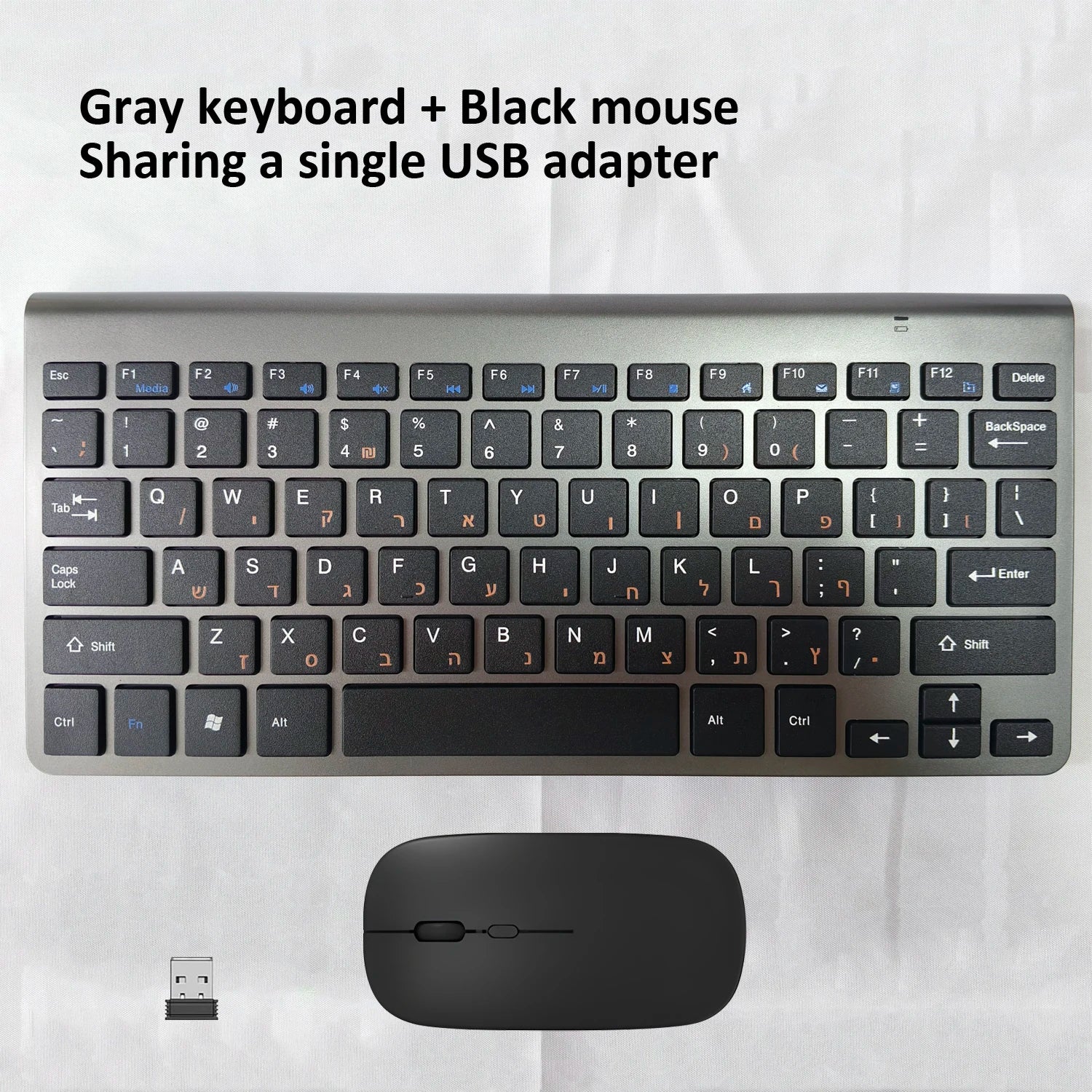
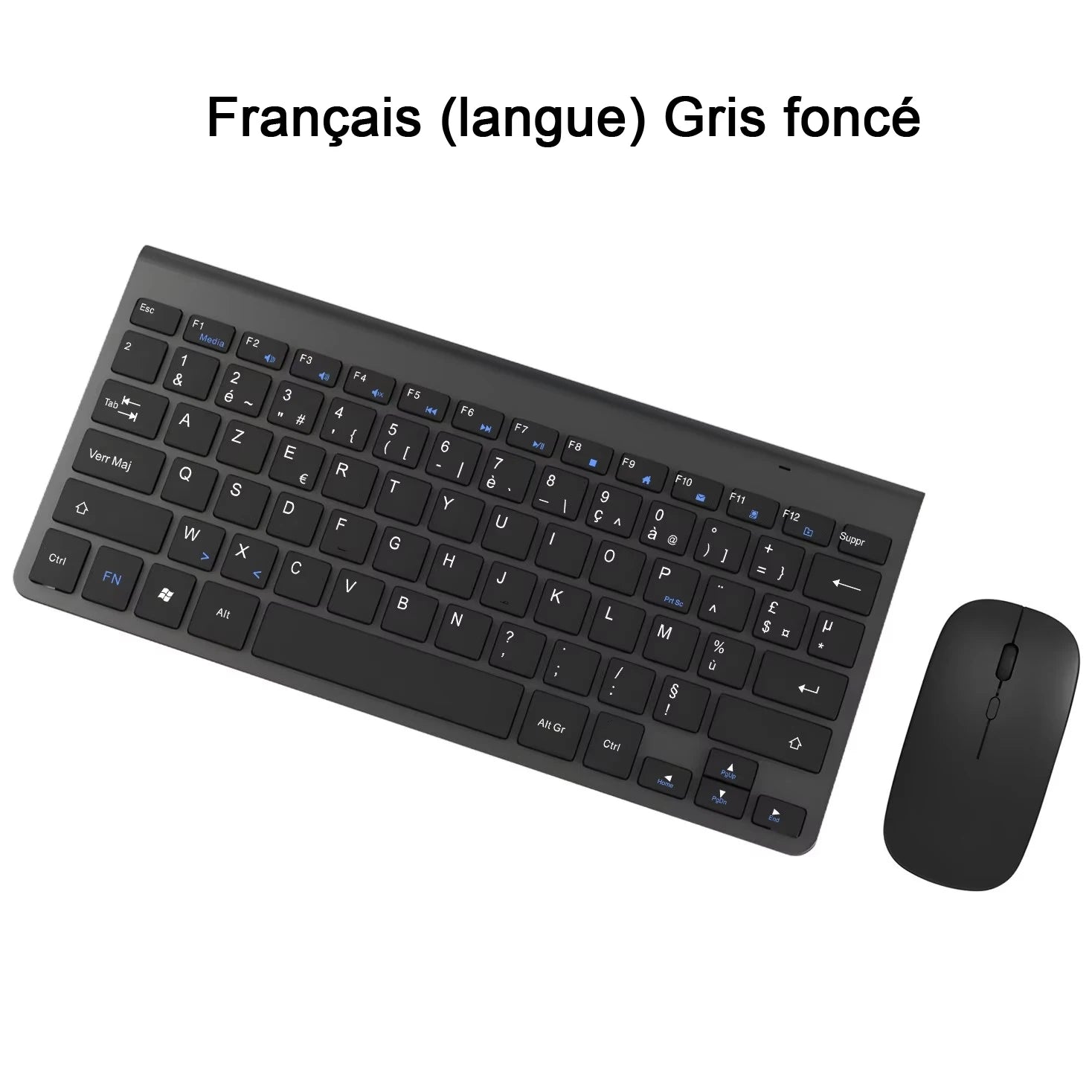
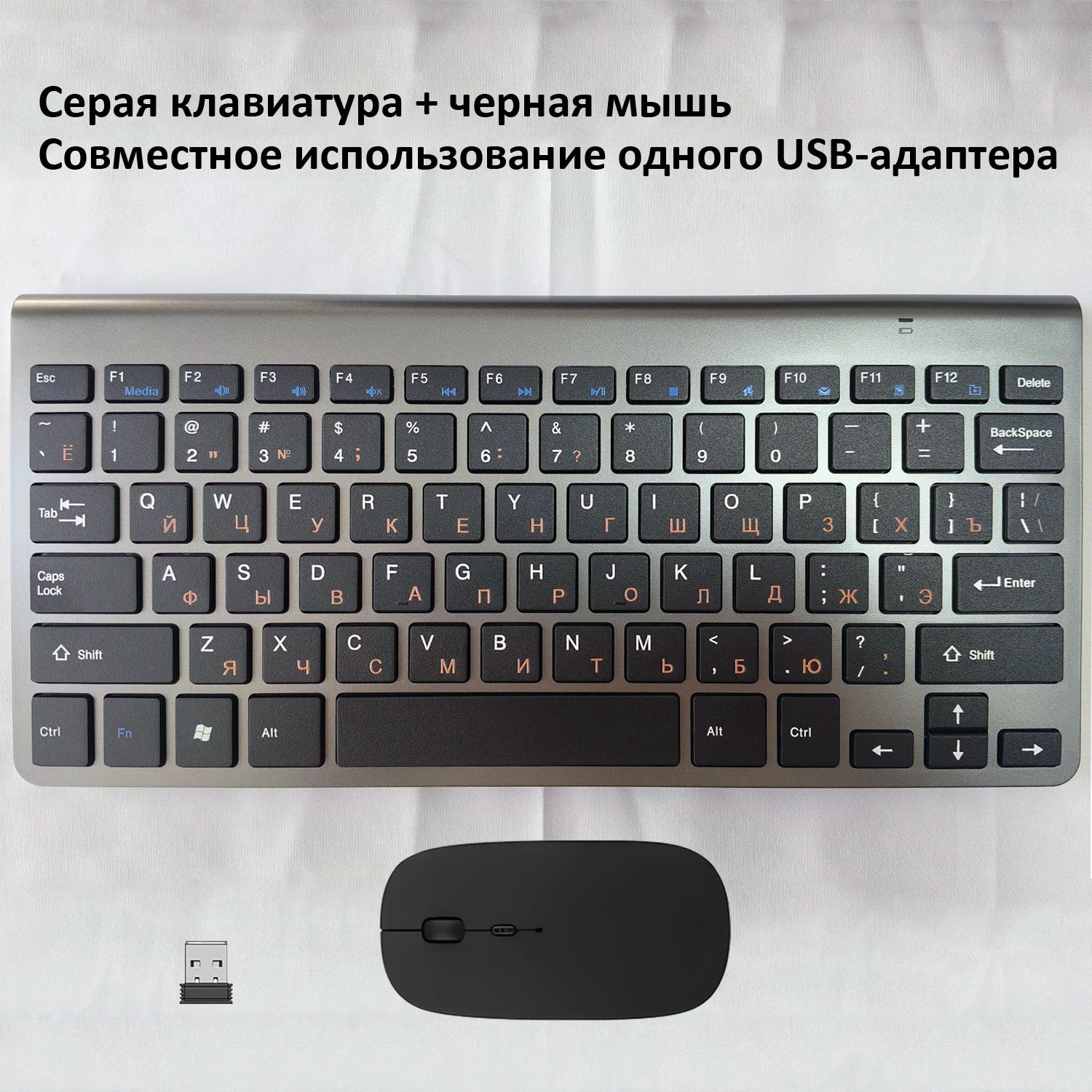
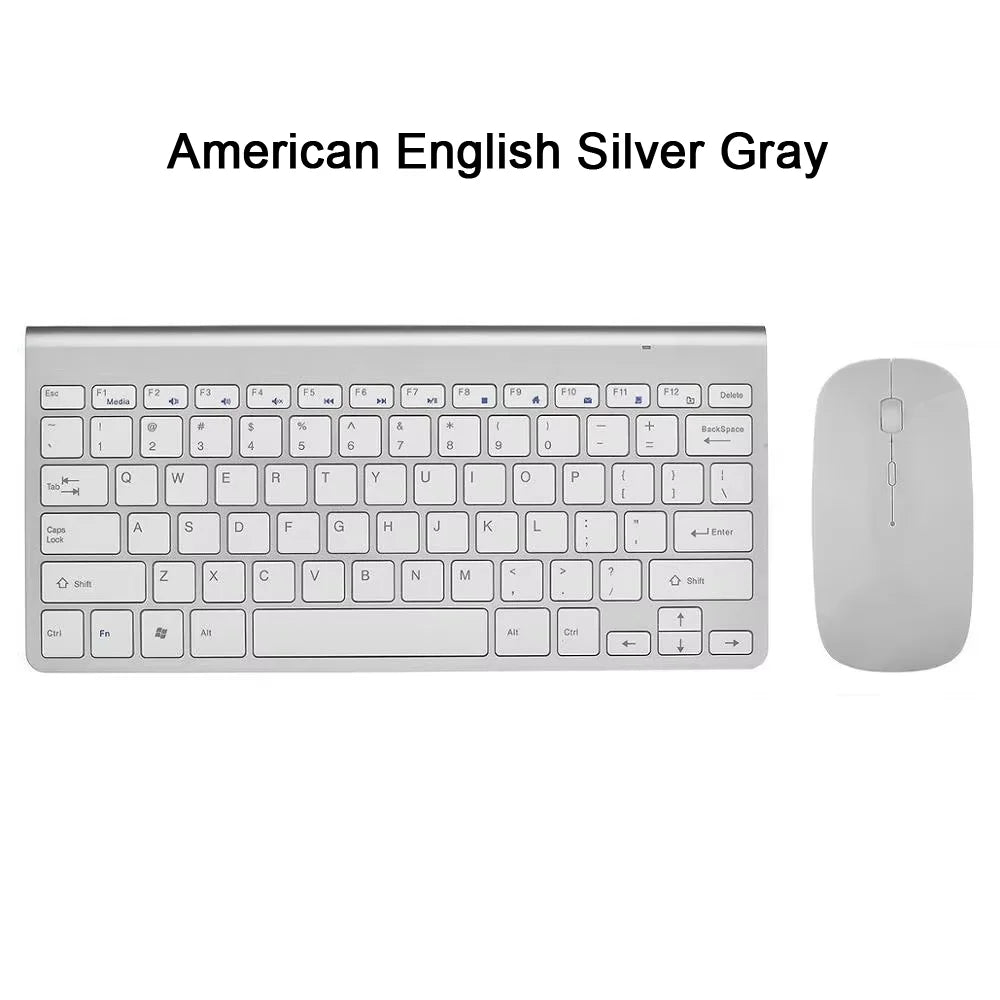
Note:
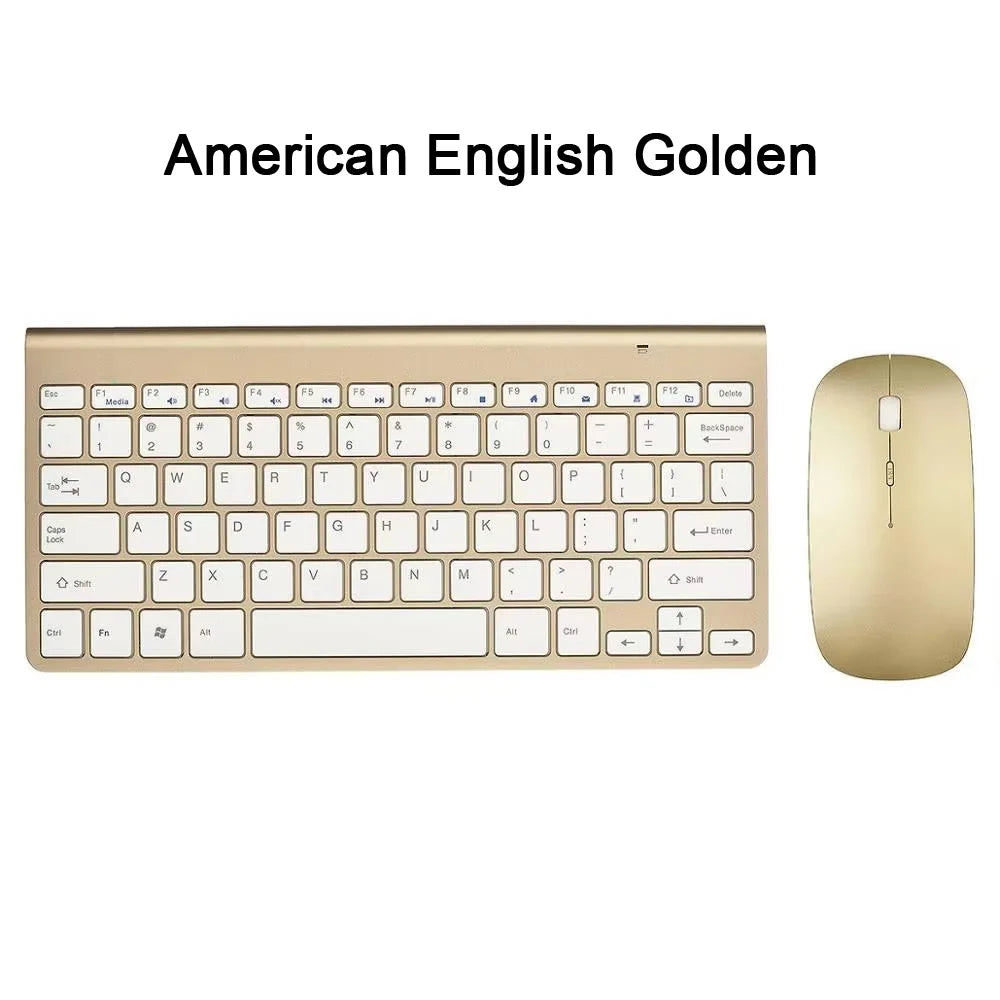
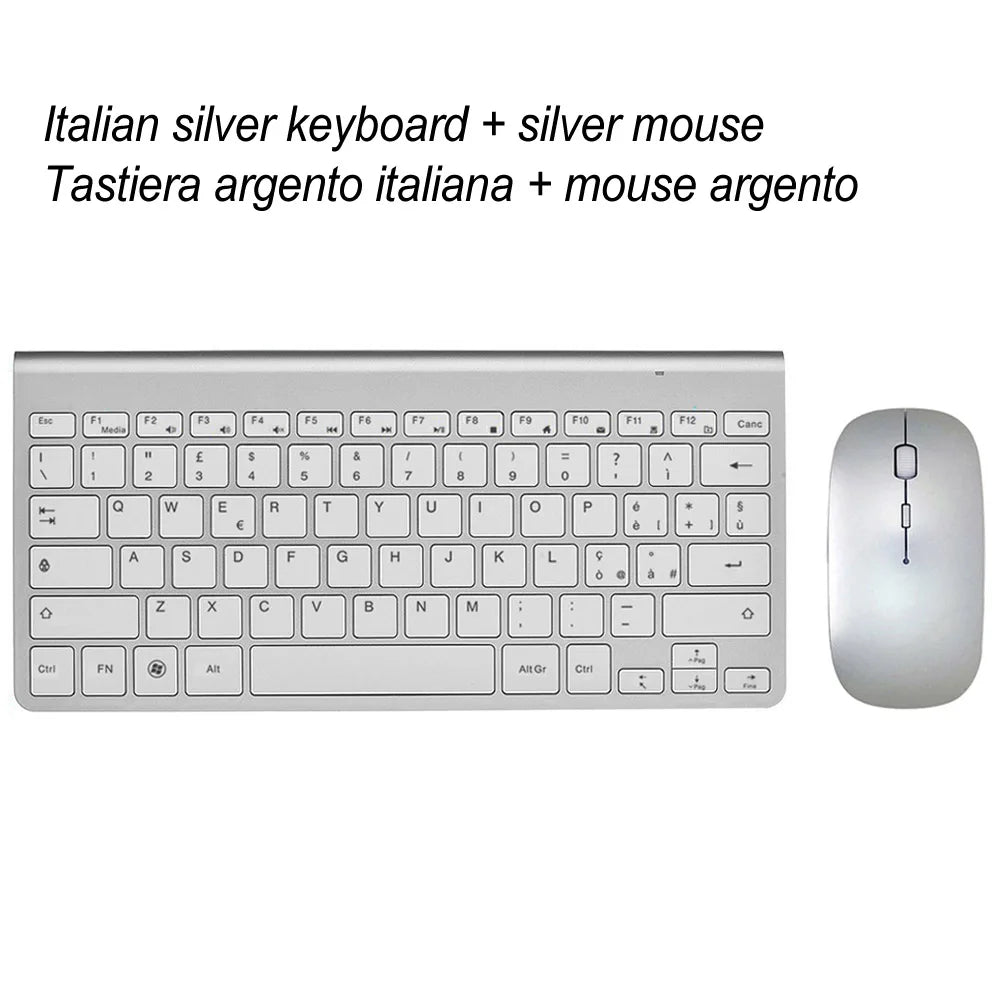
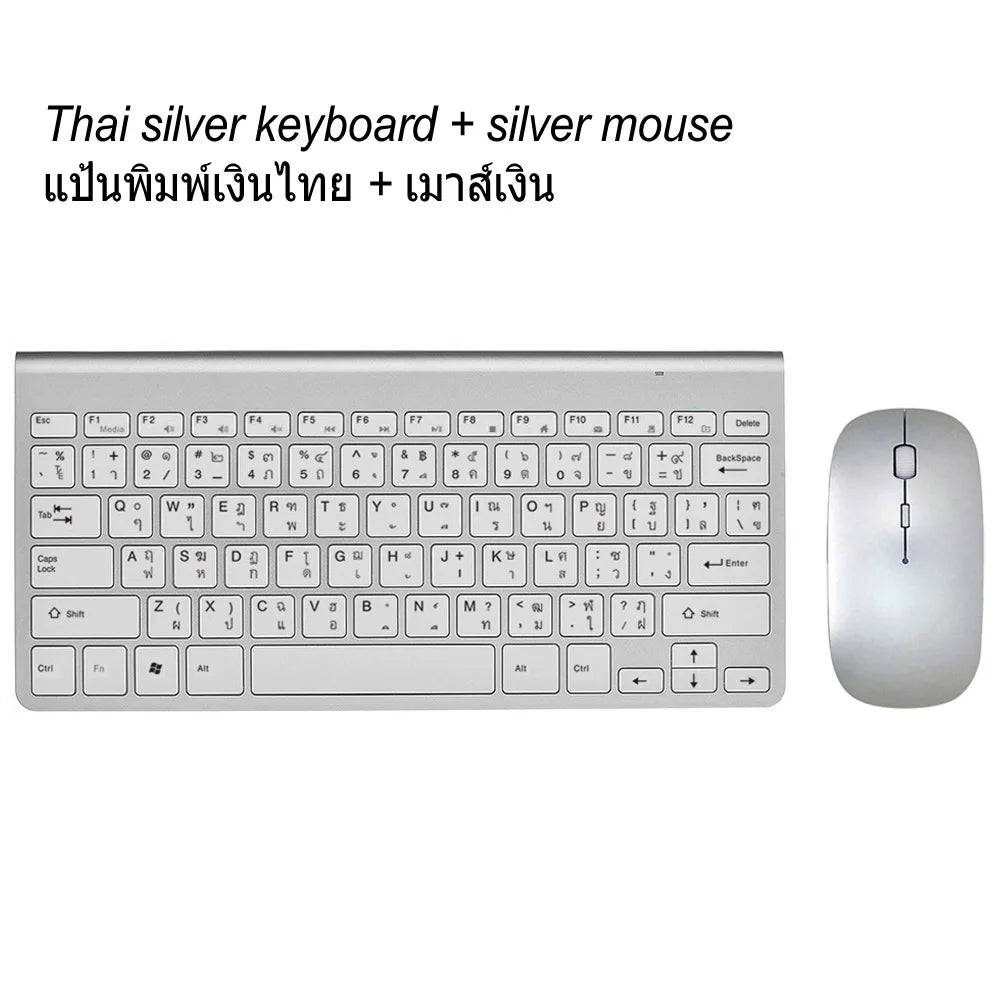
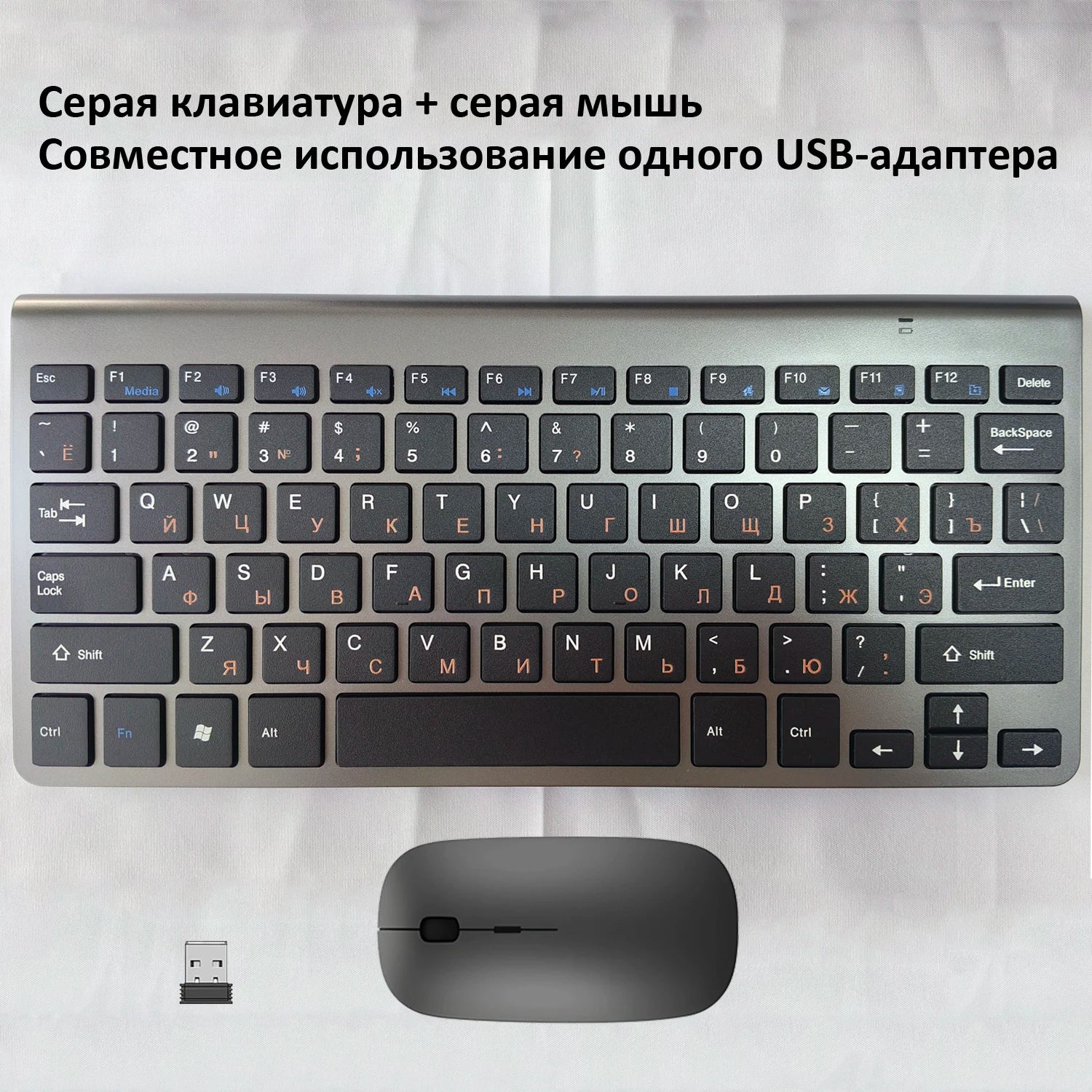
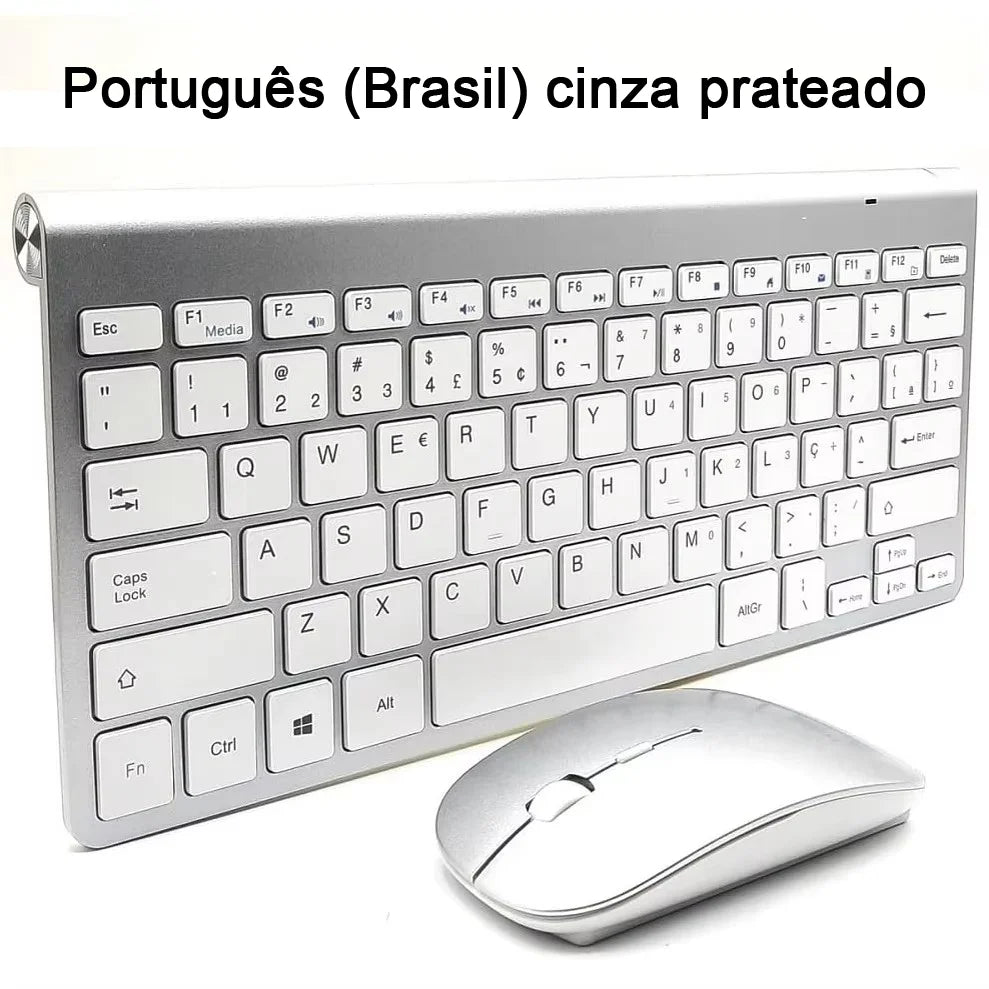
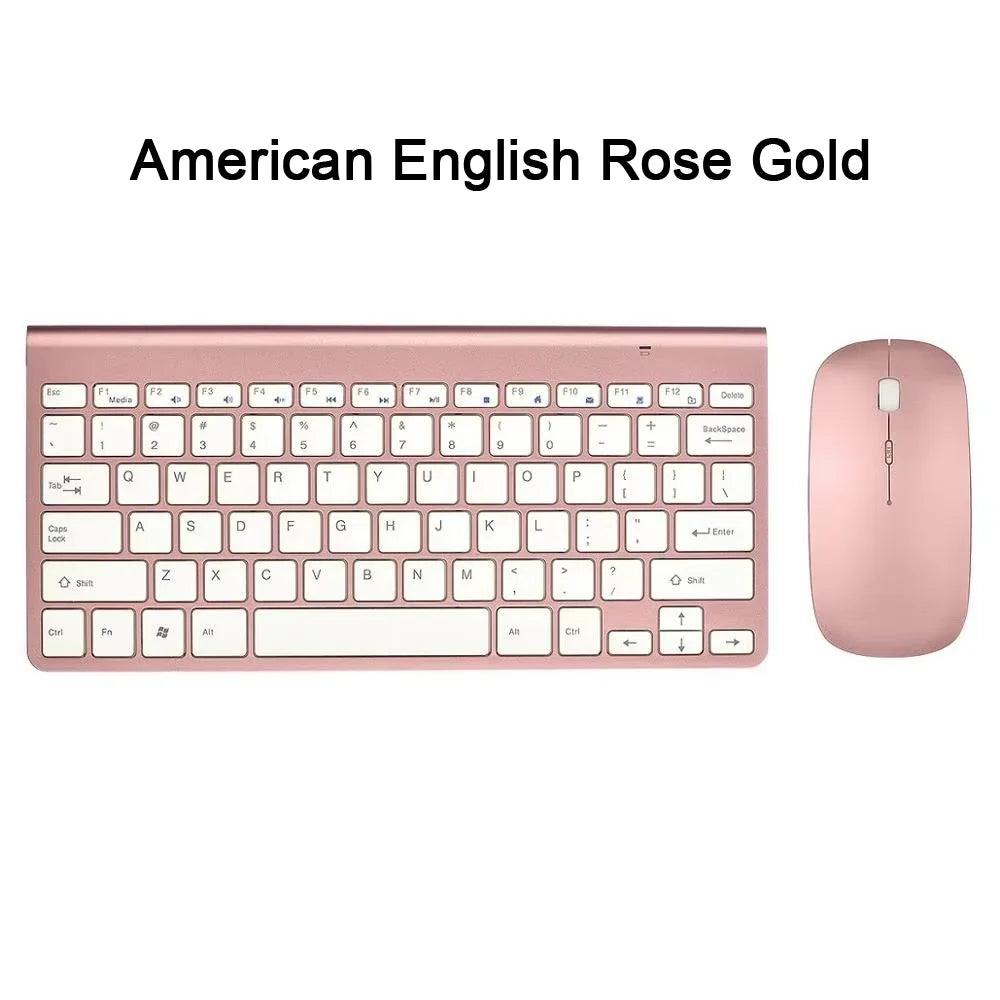
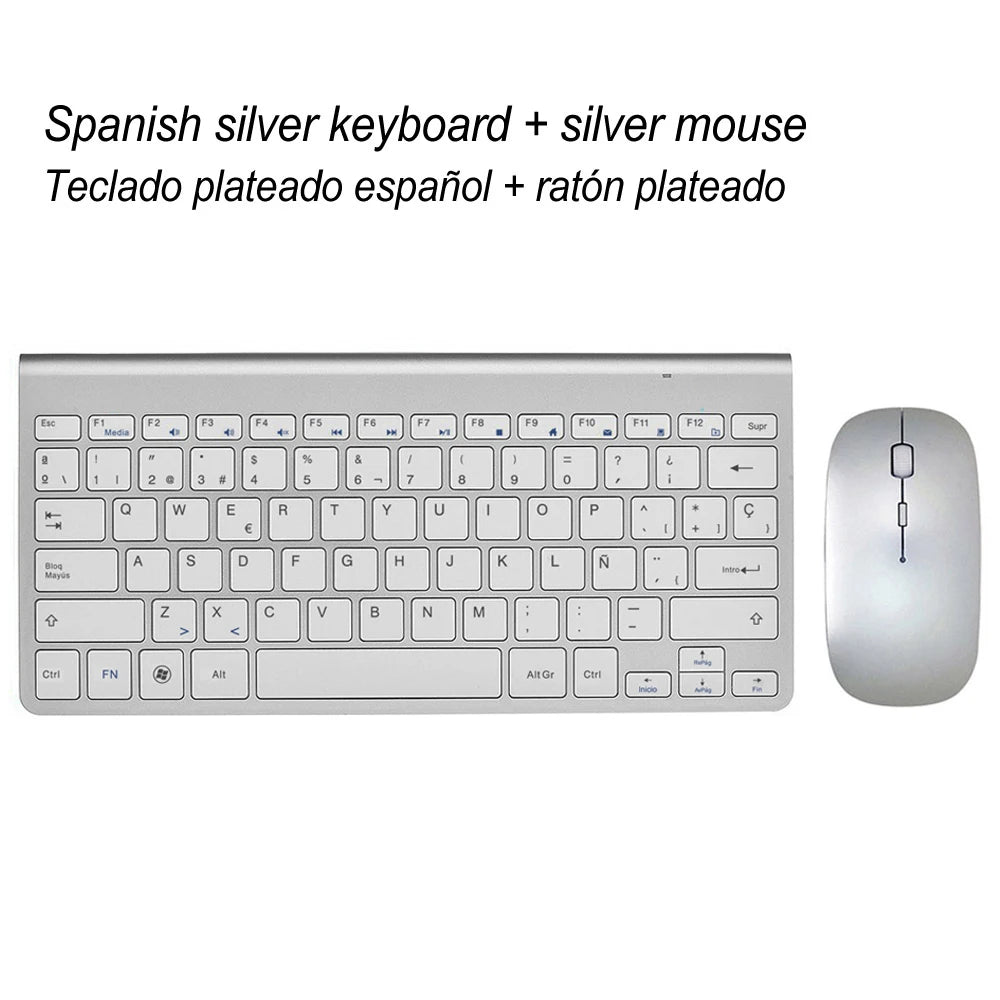
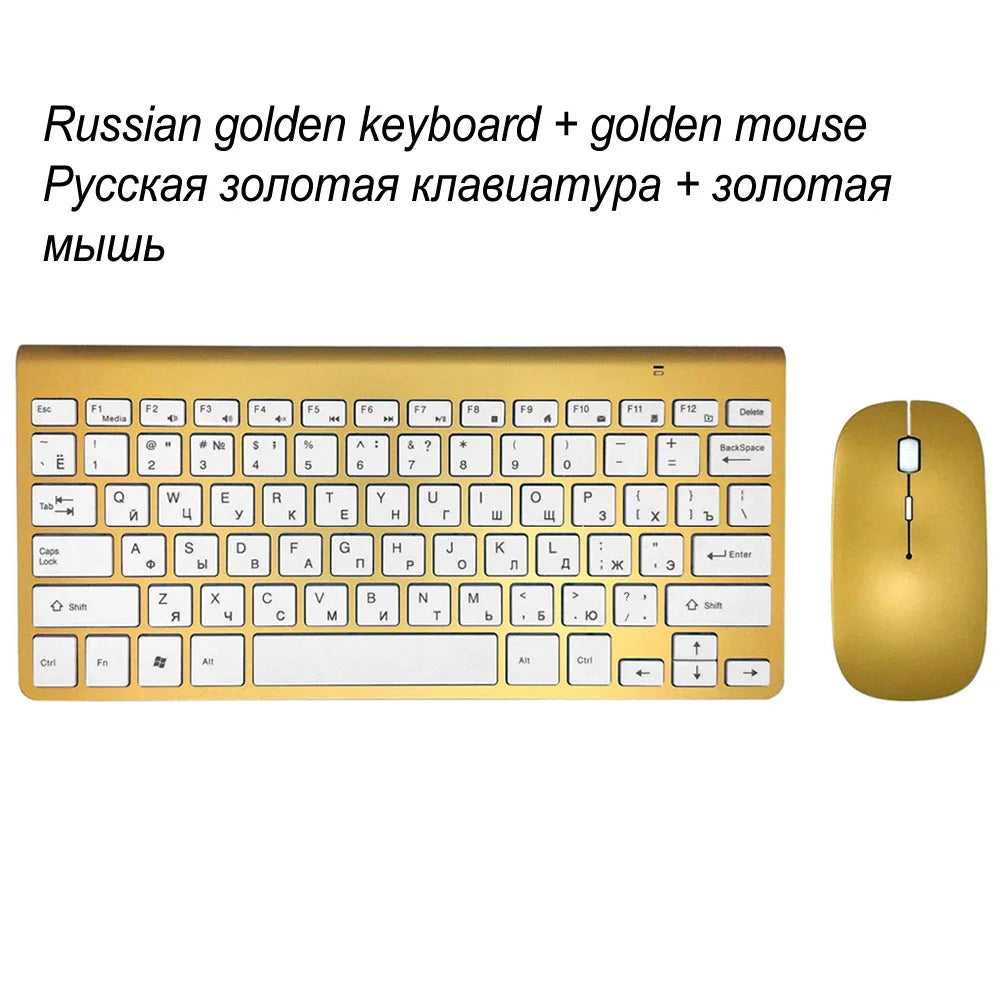
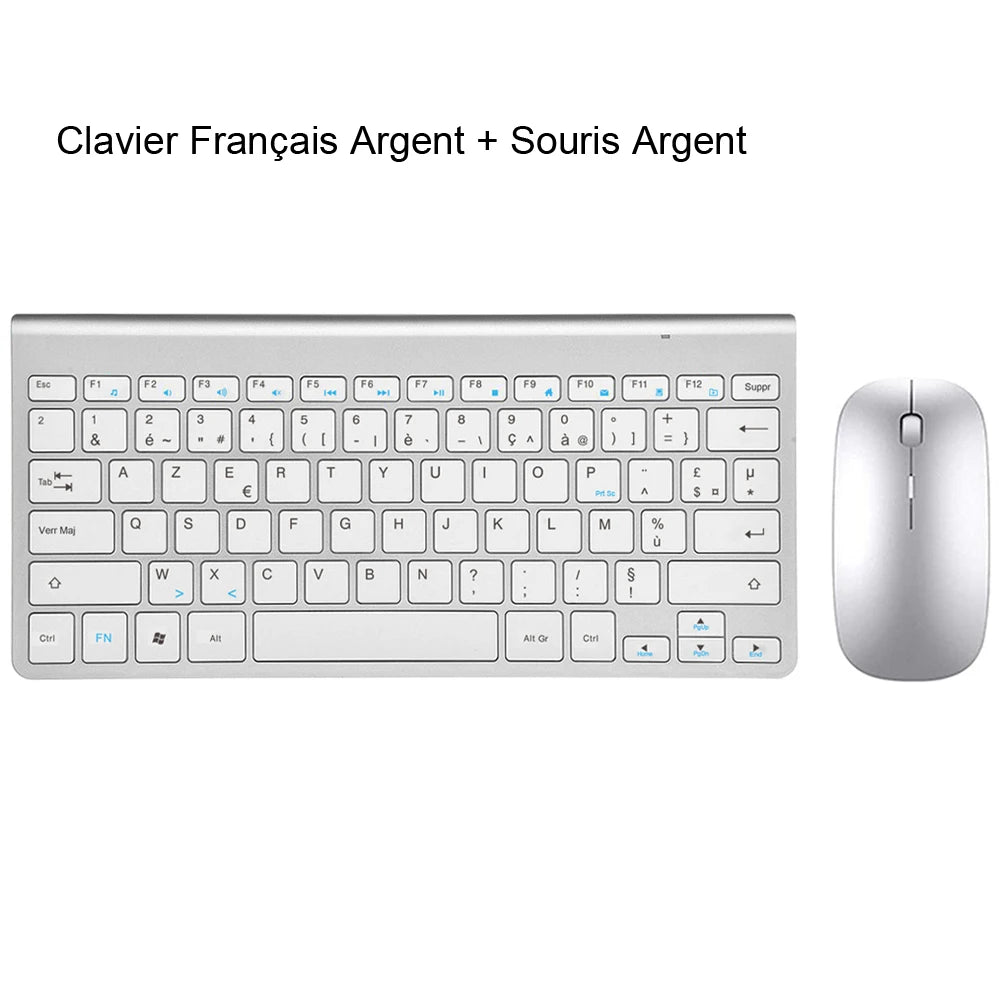
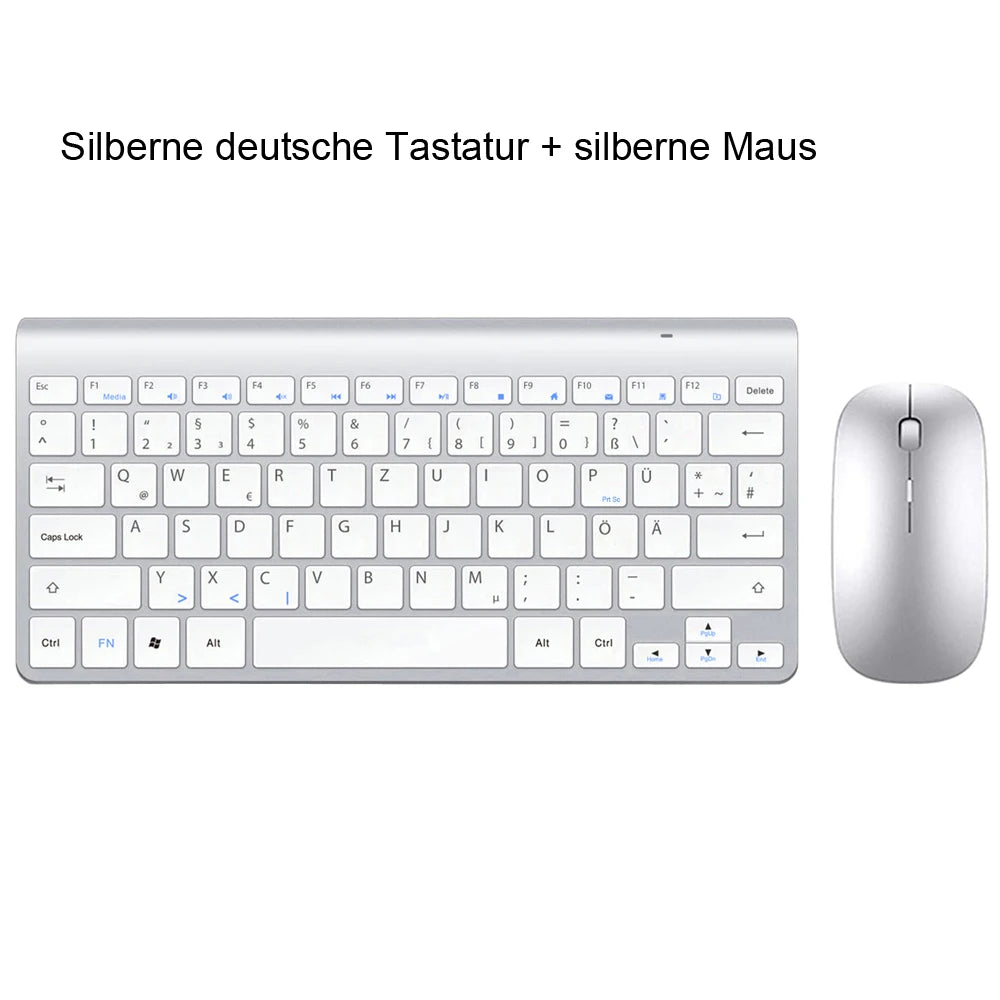
This link provides several keyboard language layouts to choose from, please add the corresponding language input method to your system so that the output characters are the same as on the keys, thanks!
For Example
Features:
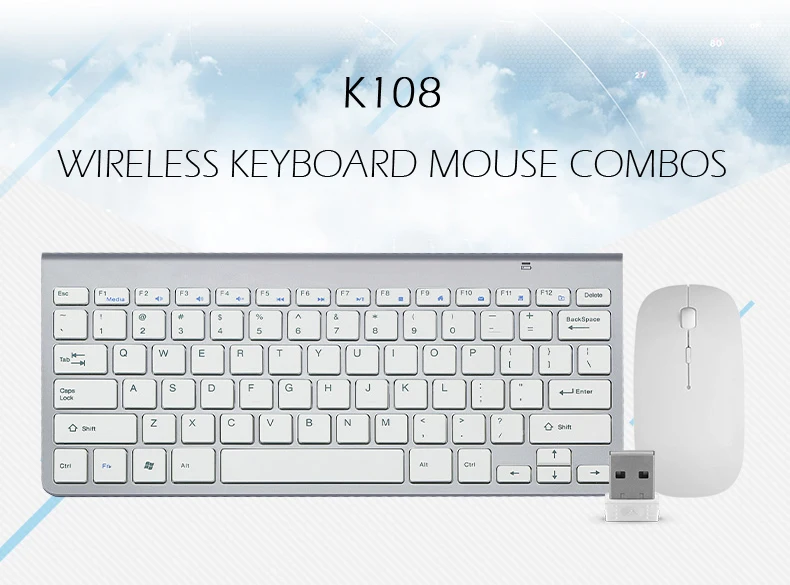
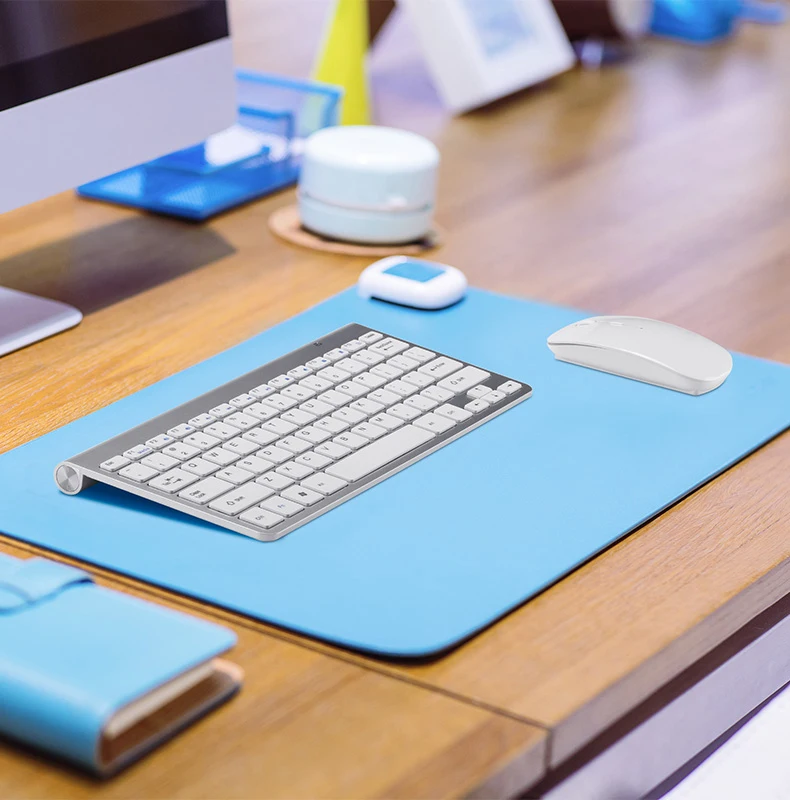
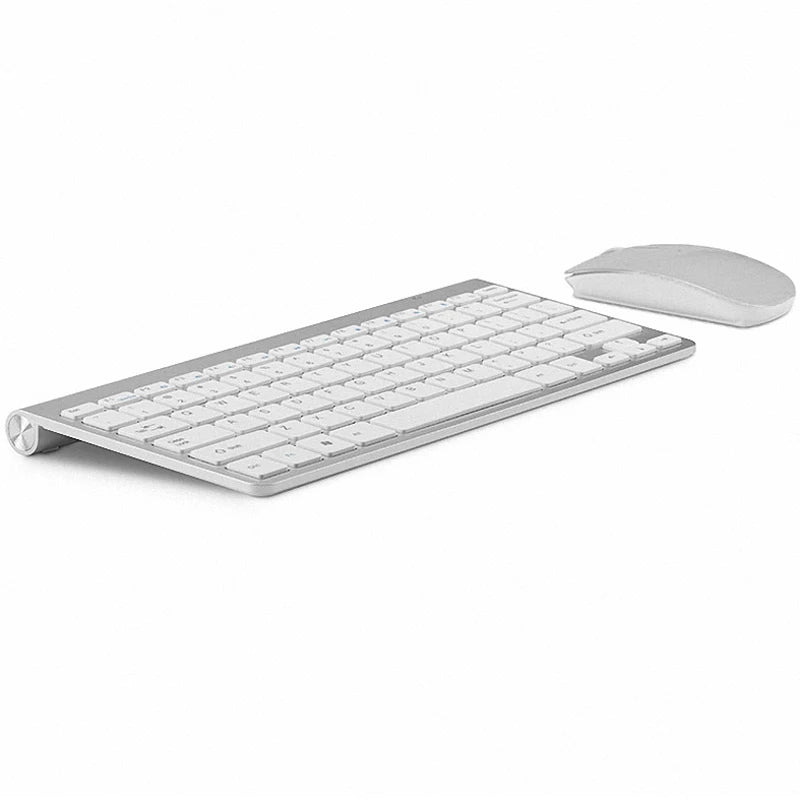
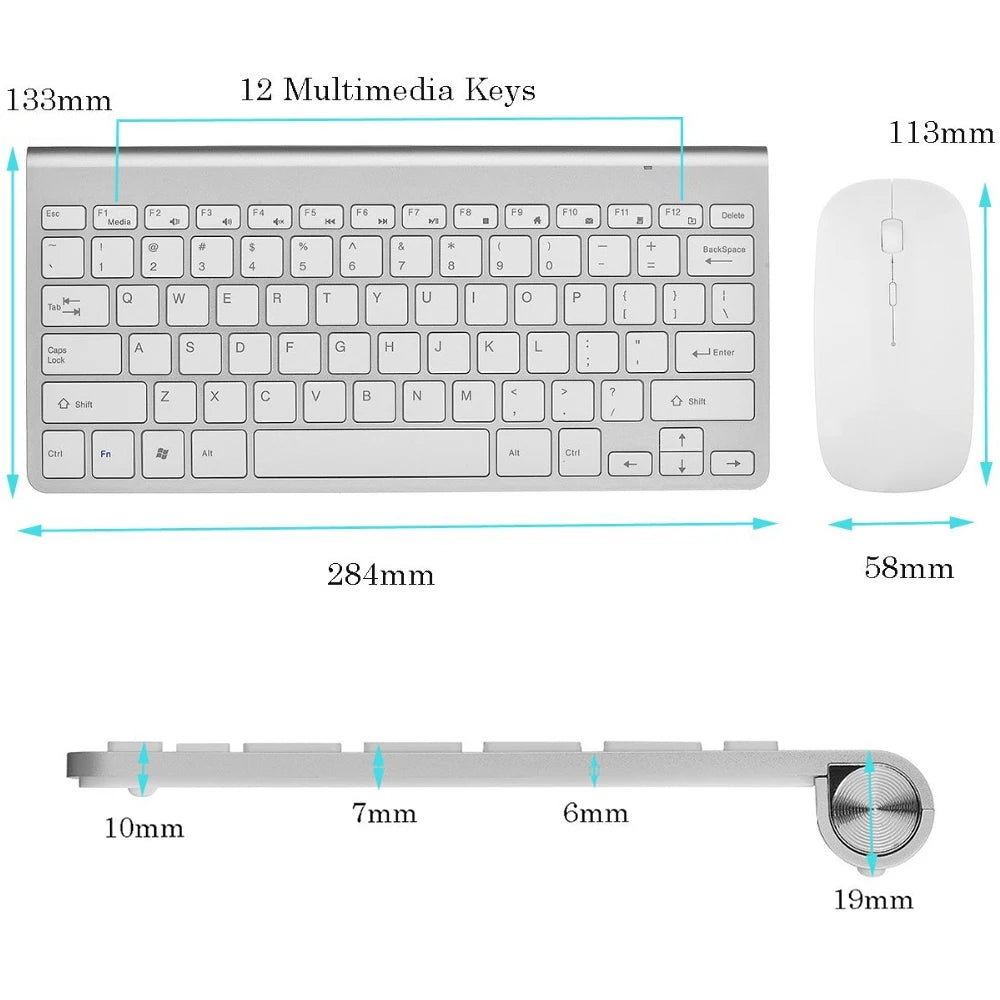
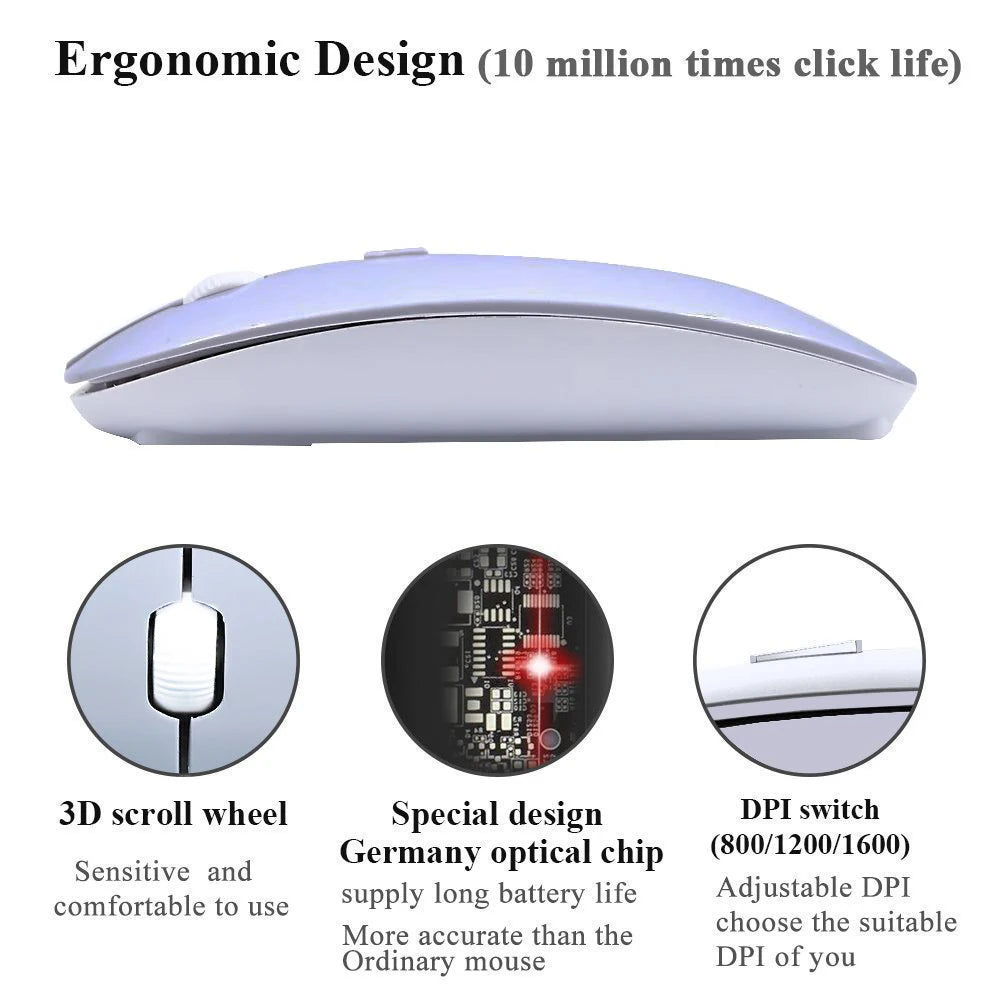
Slim Wireless Keyboard and Mini Optical Mouse set with tiny USB Receiver.
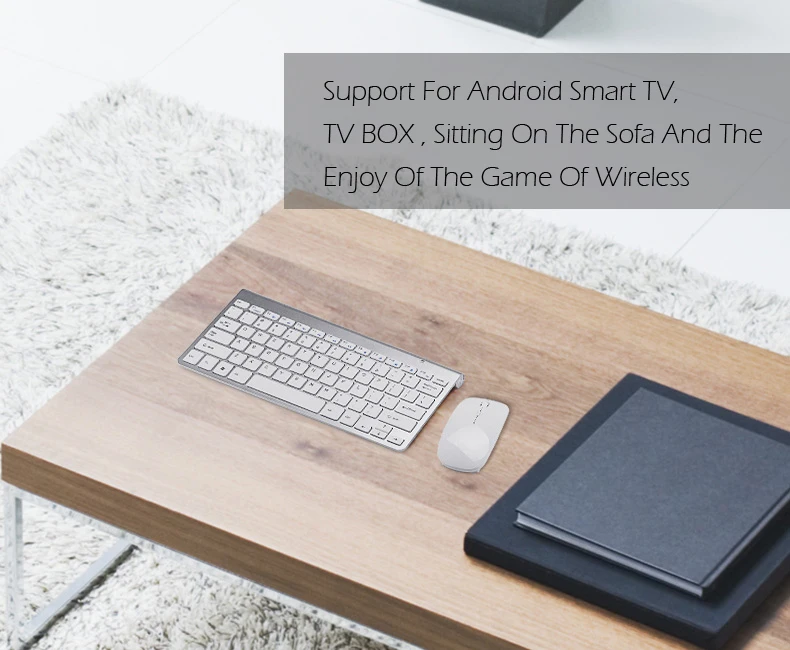
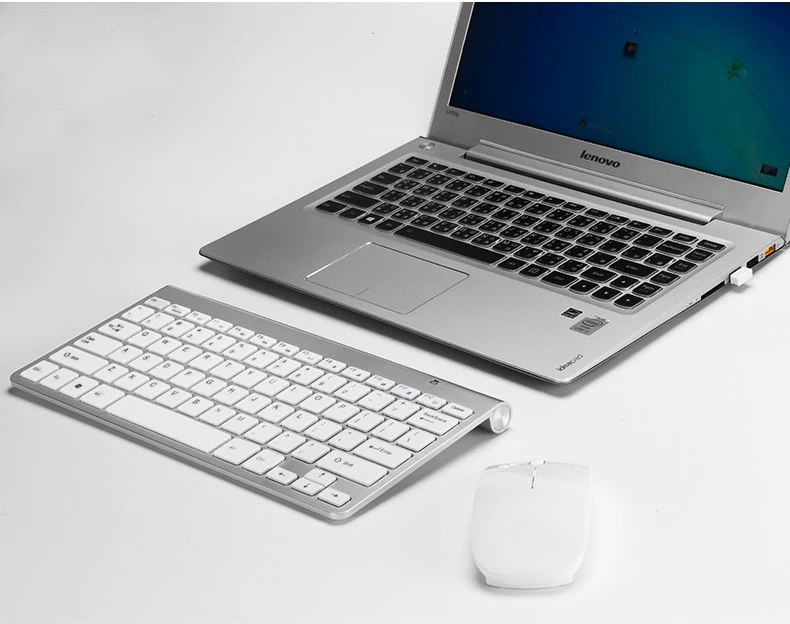
It is an ideal input device for you PC, Laptop and Notebook.
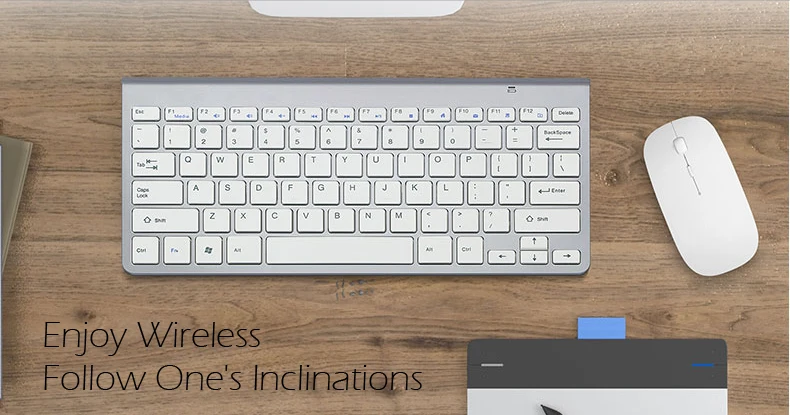
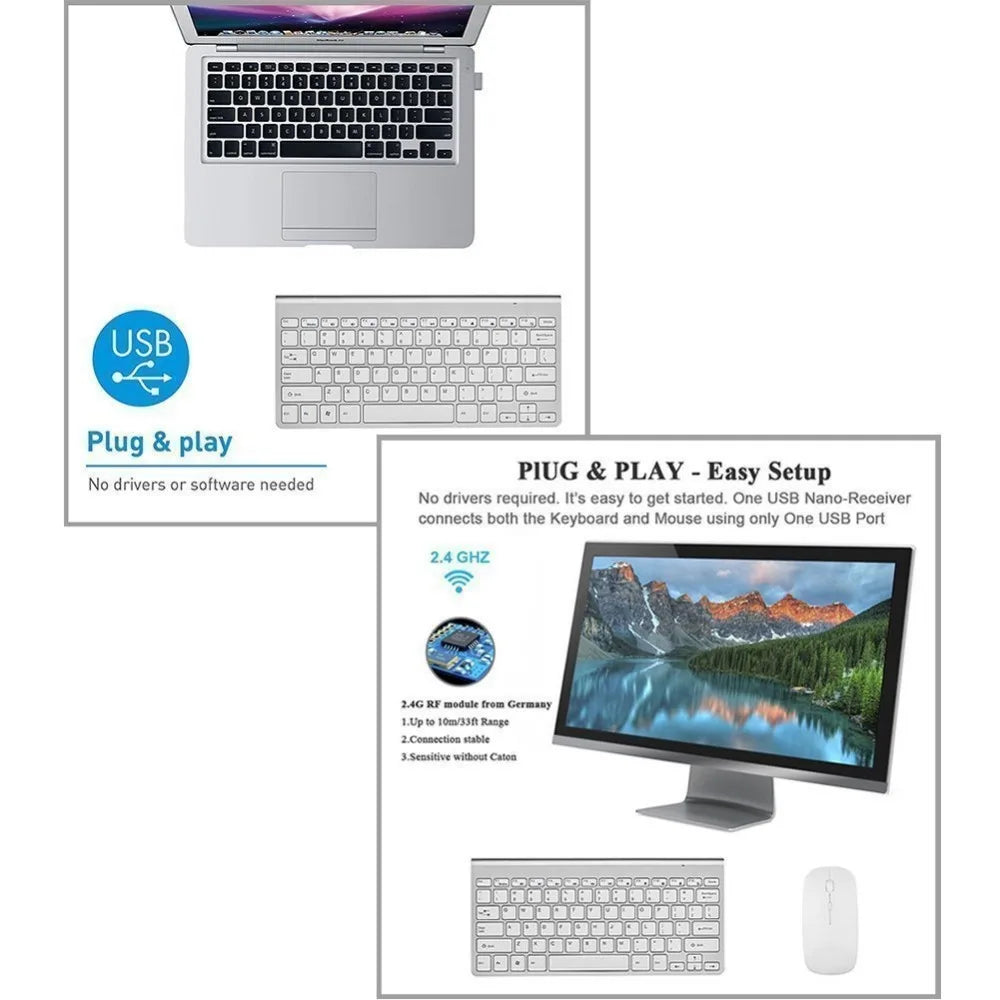
It adopts 2.4GHz wireless transfer technology, it has strong and secured wireless signal, allows you to enjoy your PC/Laptop from anywhere.
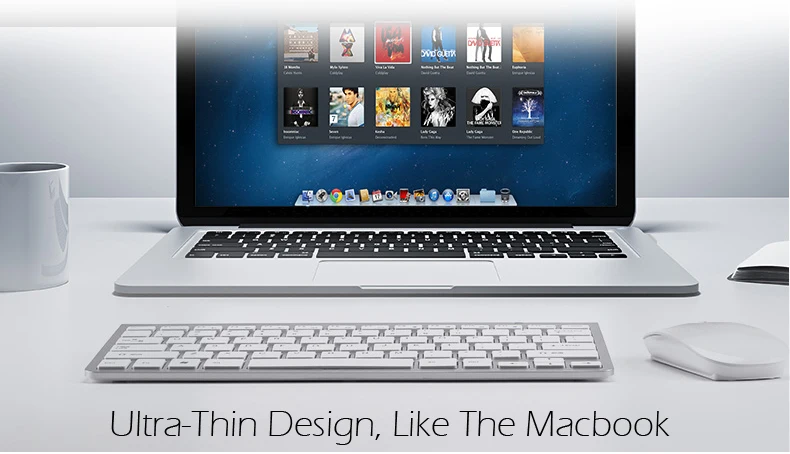
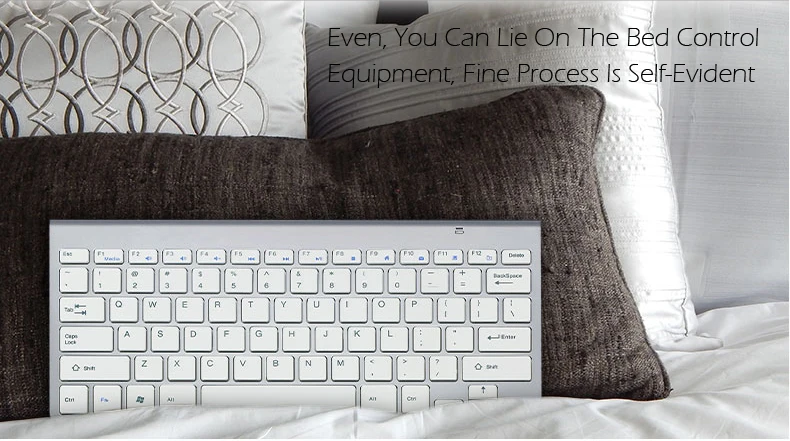
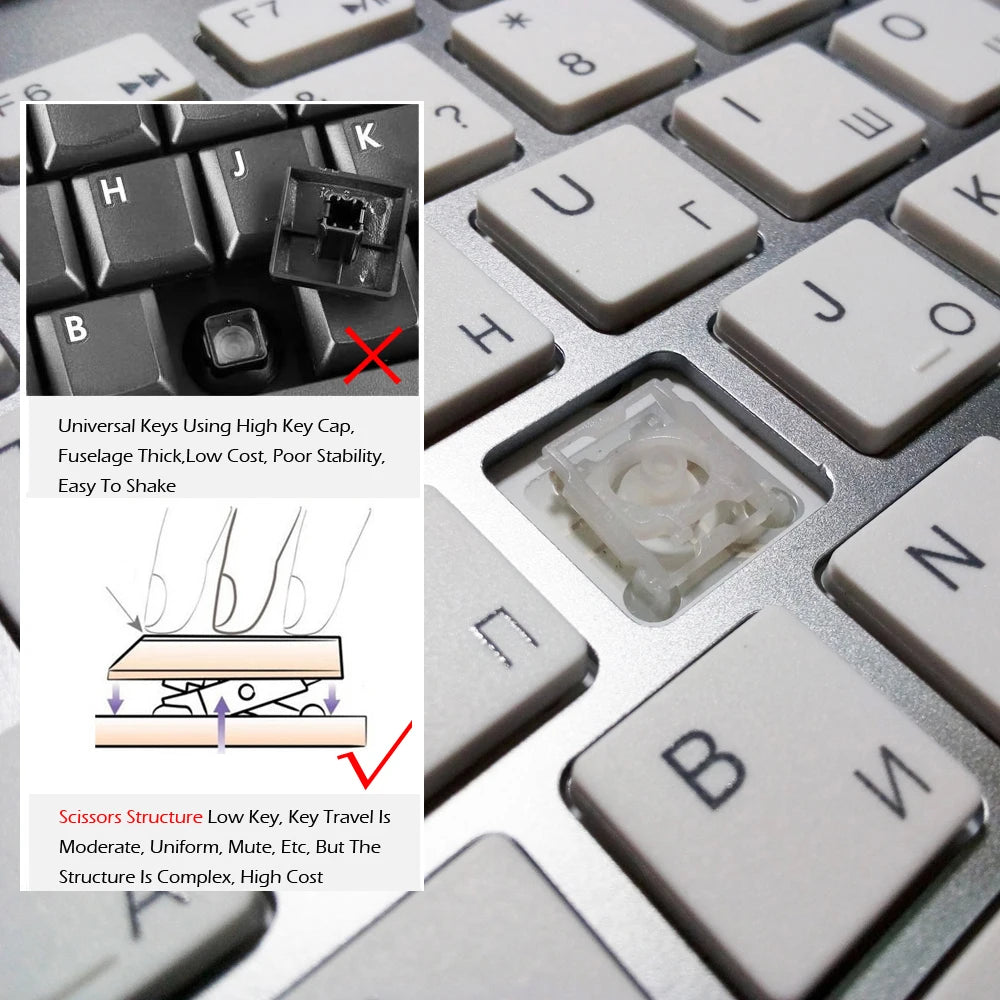
It features new slim keys allowing a smoother and quieter experience when typing!
New improved 2.4GHz wireless for much greater range(up to 10 Metres),less chance of interference from other nearby wireless devices;
Key stroke life: 5,000,000 times
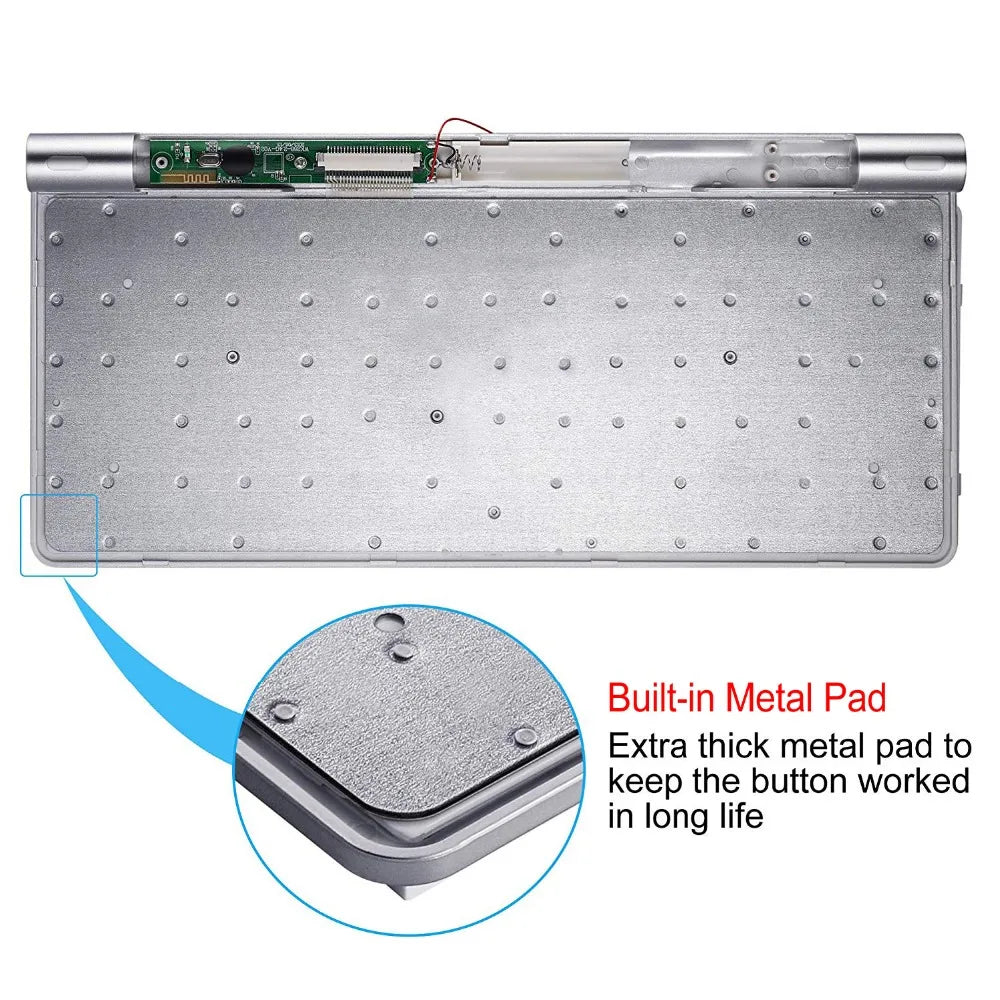
X scissors foot structure design, unique keys, comfortable and durable
Tiny USB receiver fits discreetly in bottom of mouse and its range Up to 10 Metres(line of sight),but through walls may be varied;
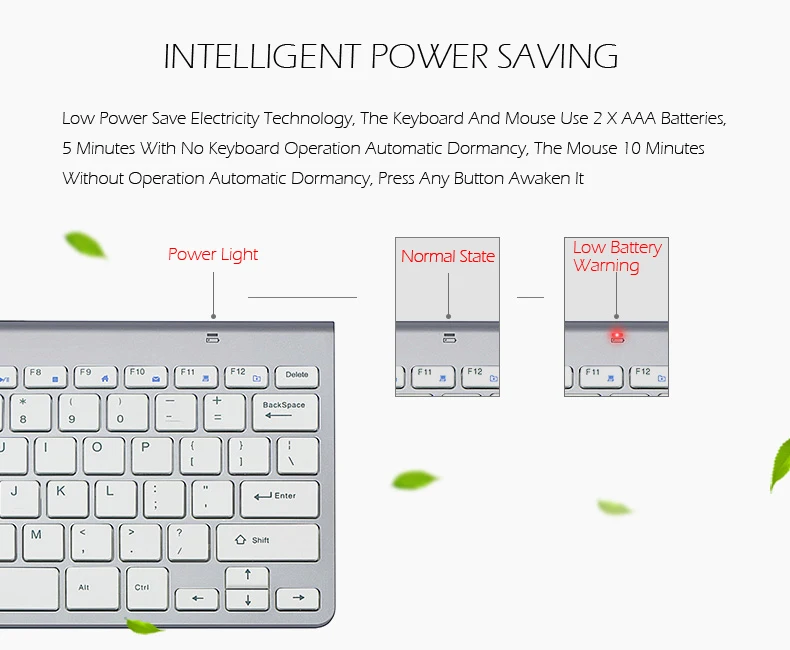
Smart Power-saving:keyboard will automatically turn into the sleep mode once no any operation happens in 3 minutes.Mouse adopts energy-saving driver program, no obvious light display at the bottom in normal operationit has a switch in the bottom of the mouse, you can switch off when you are not available.
Long-lasting Battery Life:keyboard Powered by 2 AAA batteries,mouse Powered by 2 AAA batteries And it features an environmental friendly auto-sleep mode. Click any key to wake it up after 10 minutes of inactivity. (battery life can up to 6 months. No more frequent replacements,User experience may vary)
Package Including:
1 x Wireless Keyboard
1 x Wireless Mouse
1 x USB Receive
Compatibility
How To Connect It With Your Devices?
Can It Work With Mac OS System?
As you see in the pictures above, the keyboard designed according to Windows system. But it still can roughly work with the Mac OS system. Because of the design difference between the two different systems, a little adjutment in settings of APPLE computer are requiredif you want to use the Ctrl or Alt keys normally: System Preference--Keyboard--Modifier Keys--Select Keyboard--then adjust it as your preference
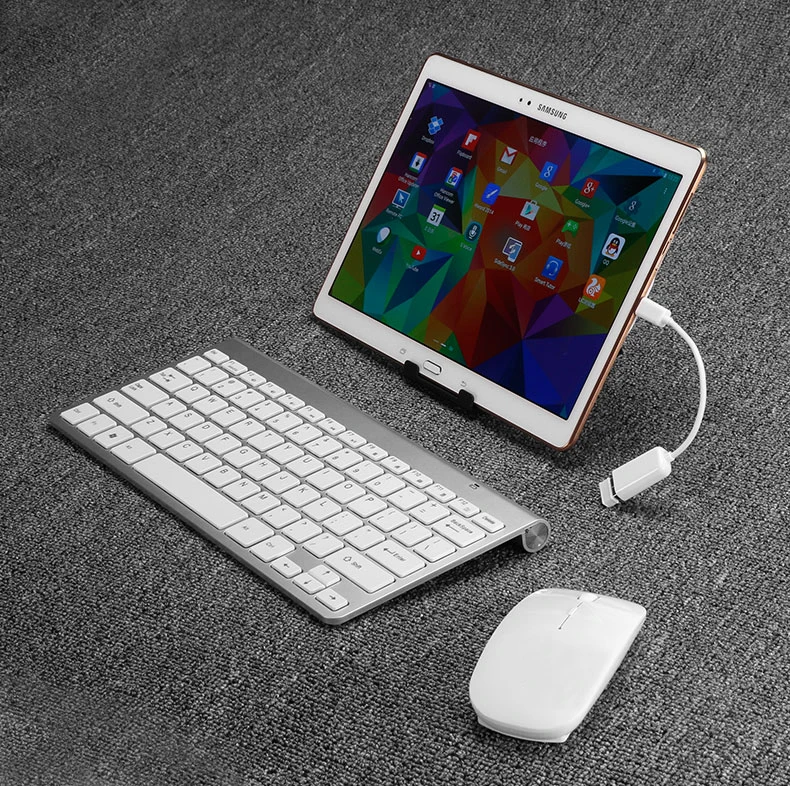
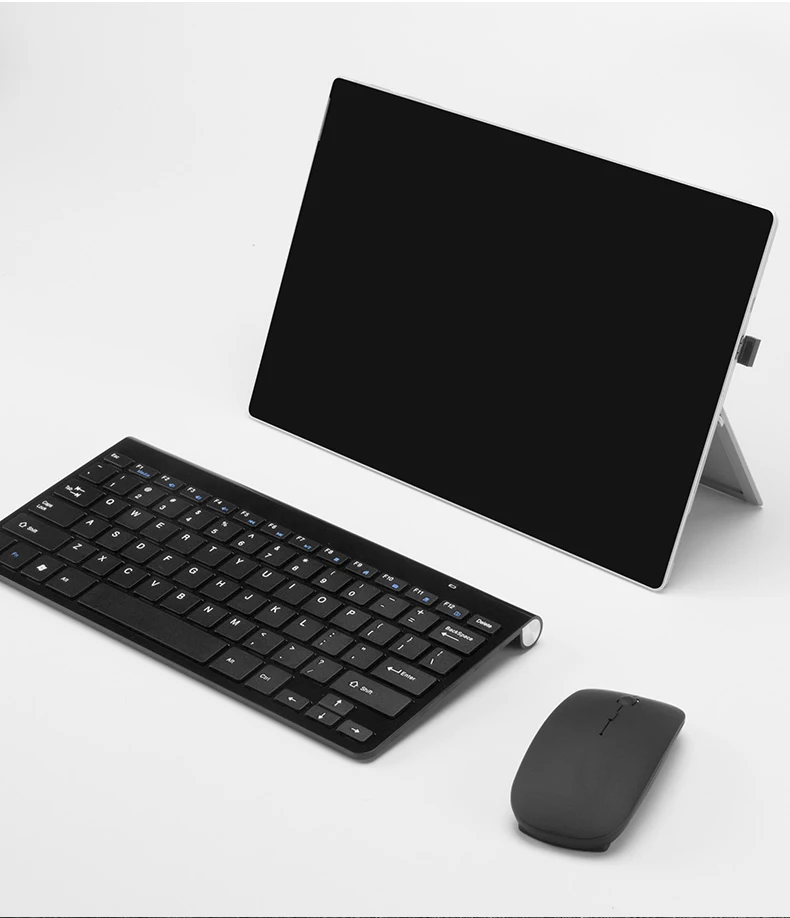
The keyboard can be used on tablets?
This keyboard can normal compatible with tablets, but tablet without USB interface, so you can't insert,You need to buy one"OTG" tieline